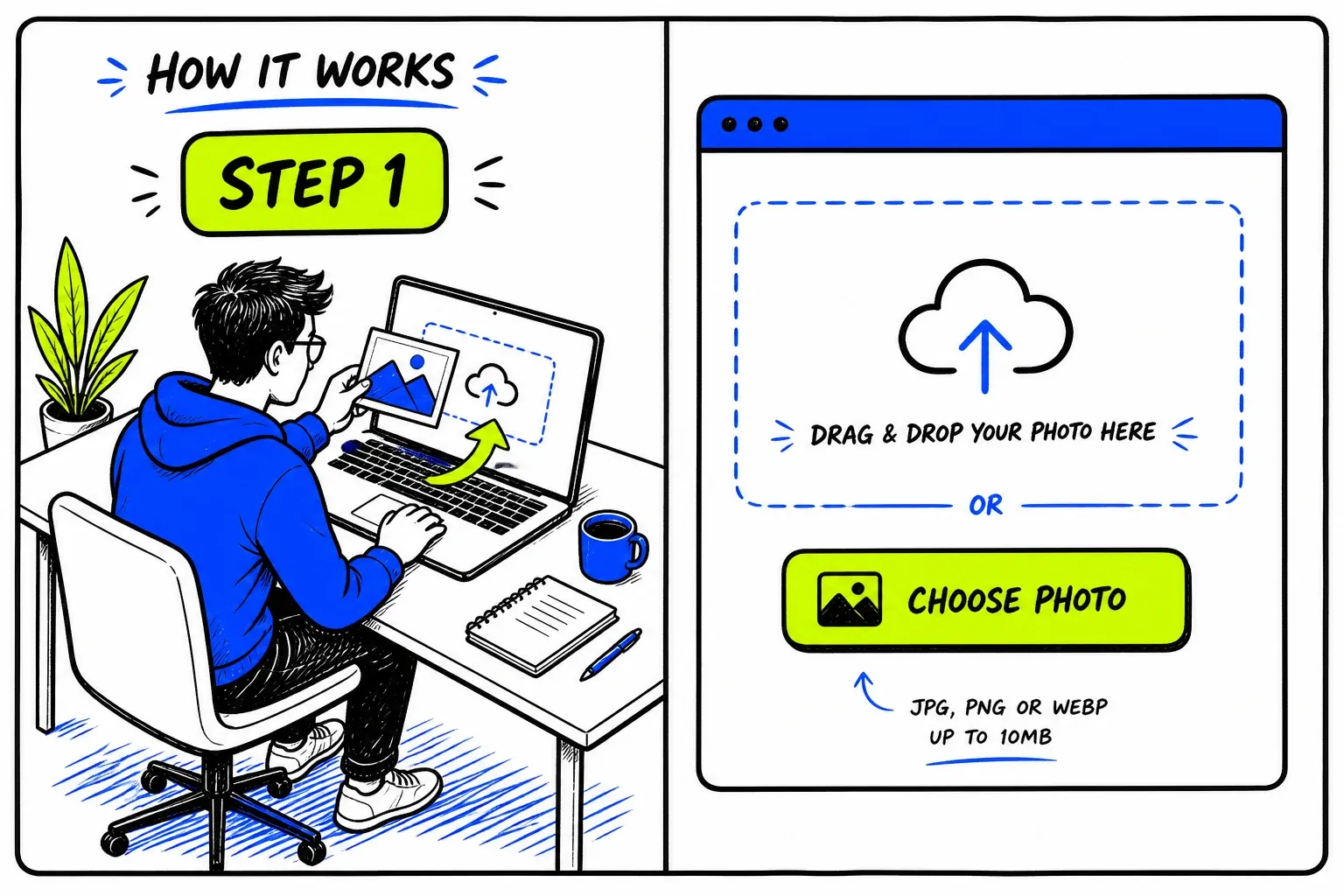
1. Upload your pictures you want to scan.
Drag and drop or upload your image. By uploading, you confirm it’s your photo or that you have permission to use it. It’s processed securely and deleted shortly after the search.

Upload Your Photo – See Where It Appears Online
FaceFinderLens is the best face search and reverse image search engine. It uses privacy-focused AI to analyze visual features and find where your photos appear online — helping you spot impersonation, misuse, or identity theft across publicly accessible pages of the wider web. Search billions of public images and discover relevant visual matches in seconds.
Drag and drop or upload your image. By uploading, you confirm it’s your photo or that you have permission to use it. It’s processed securely and deleted shortly after the search.
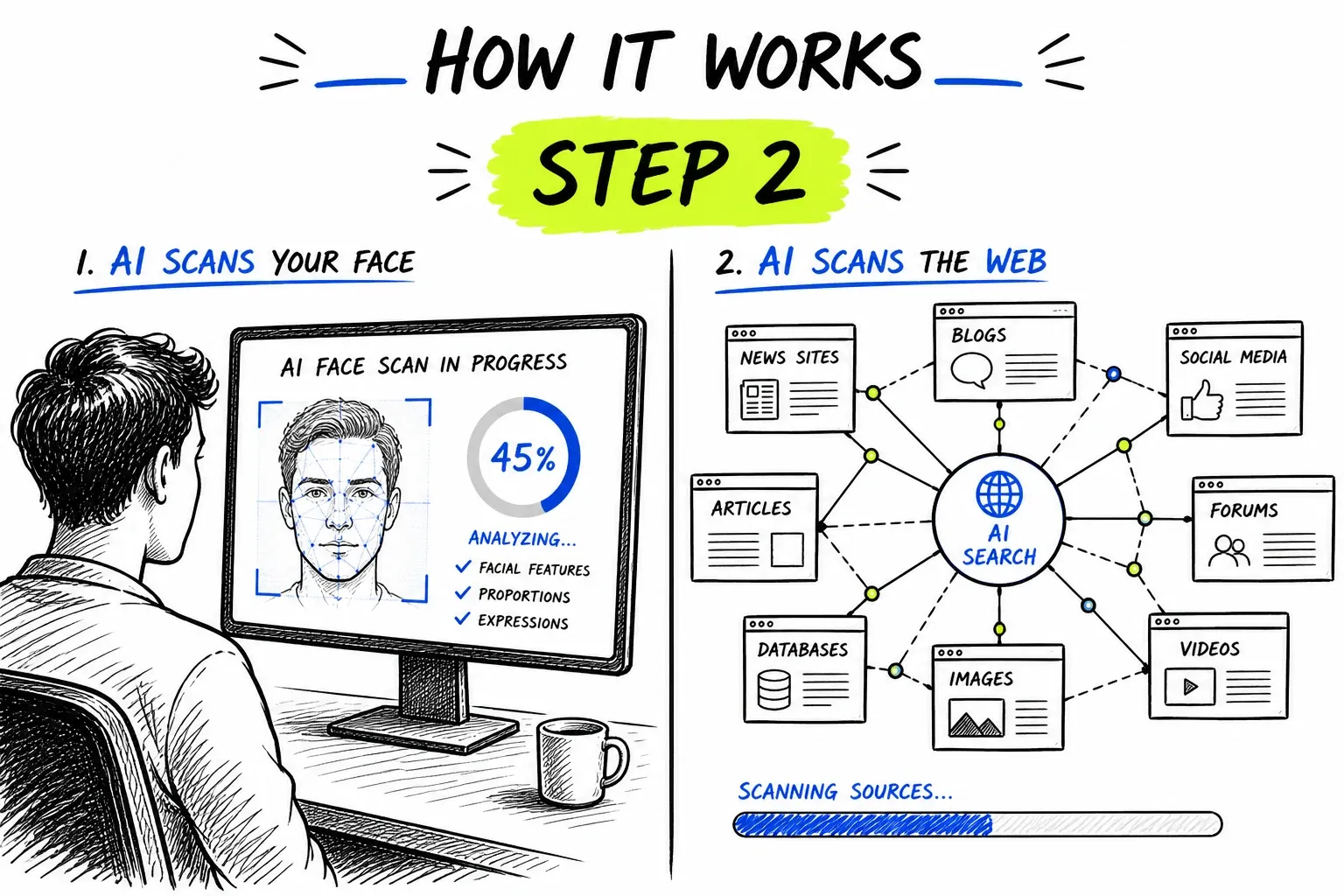
FaceFinderLens’s AI searches billions of publicly available pages across the open web to identify visual matches and reveal where your image may be displayed.
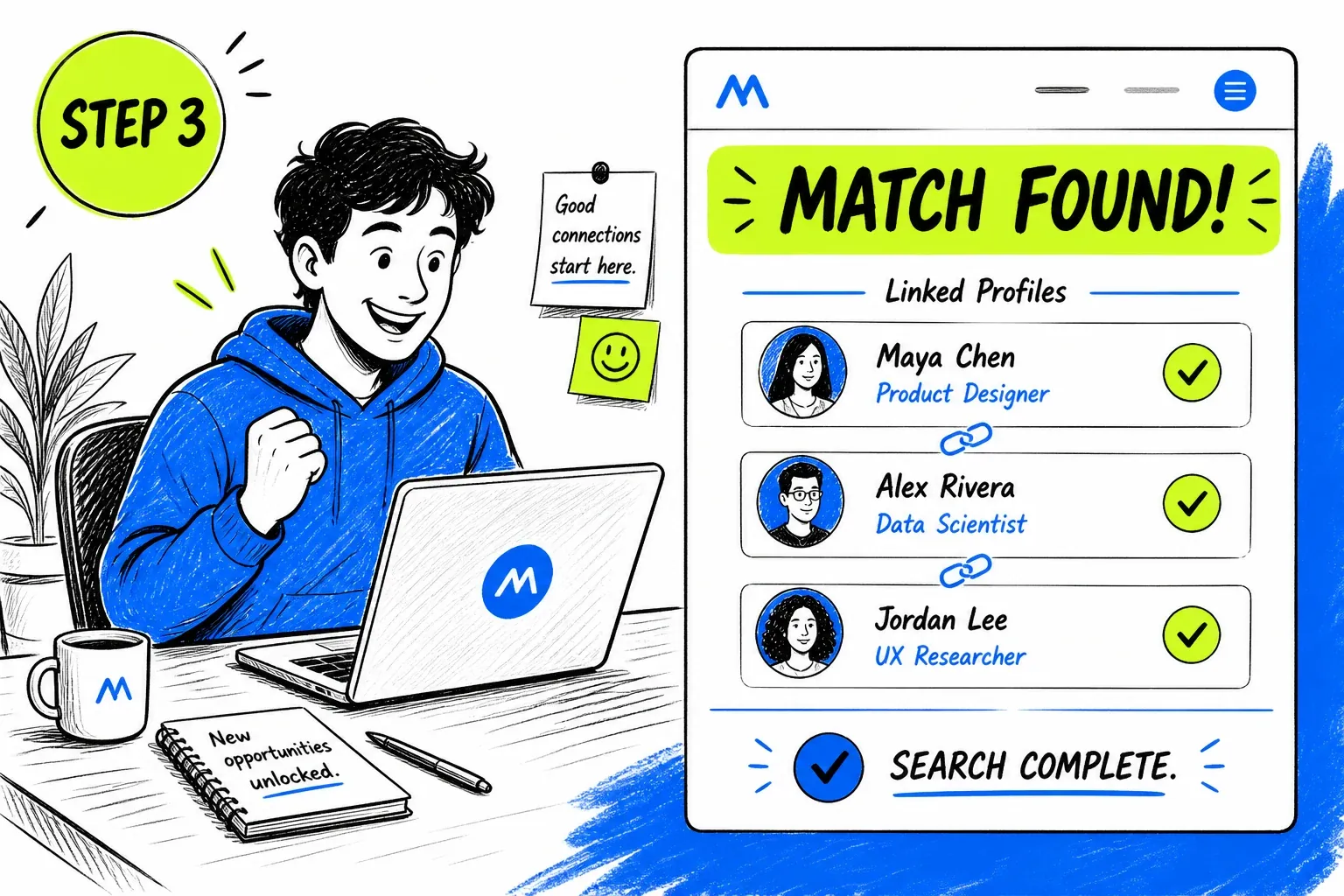
Unlock all verified public sources where your image was found and access detailed match data so you can better understand where your images appear online.
Wanna see it for yourself? Upload your photo!
Our AI-powered reverse image search helps you stay safe online by detecting impersonation, fake profiles, or photo misuse. It checks where your image — or any publicly shared photo — may appear across the web.
Online photos are easy to copy or reuse. FaceFinderLens helps you find visually similar images on the public web to spot fake or inconsistent profiles before you engage. Used by people hiring, renting, or joining online communities, it analyzes only publicly available content and never identifies individuals — keeping every search private, safe, and transparent.
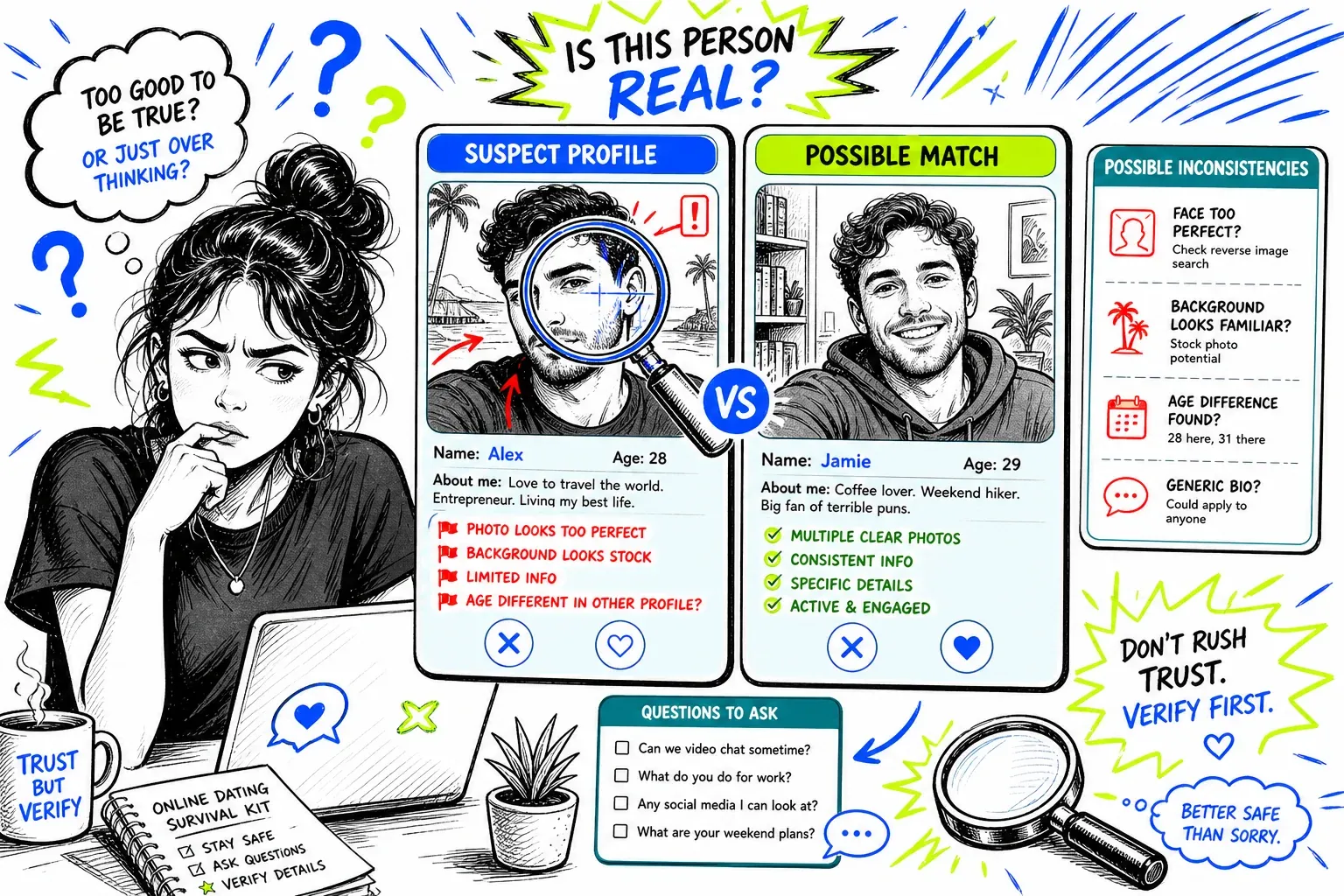
FaceFinderLens helps identify where an image appears across the public web. It analyzes open-web data to detect possible impersonation, unauthorized reuse, or misleading profile photos — all without accessing private or restricted content. The tool focuses purely on publicly available information, giving users visibility into how their images are used online and helping protect against digital impersonation or misuse.
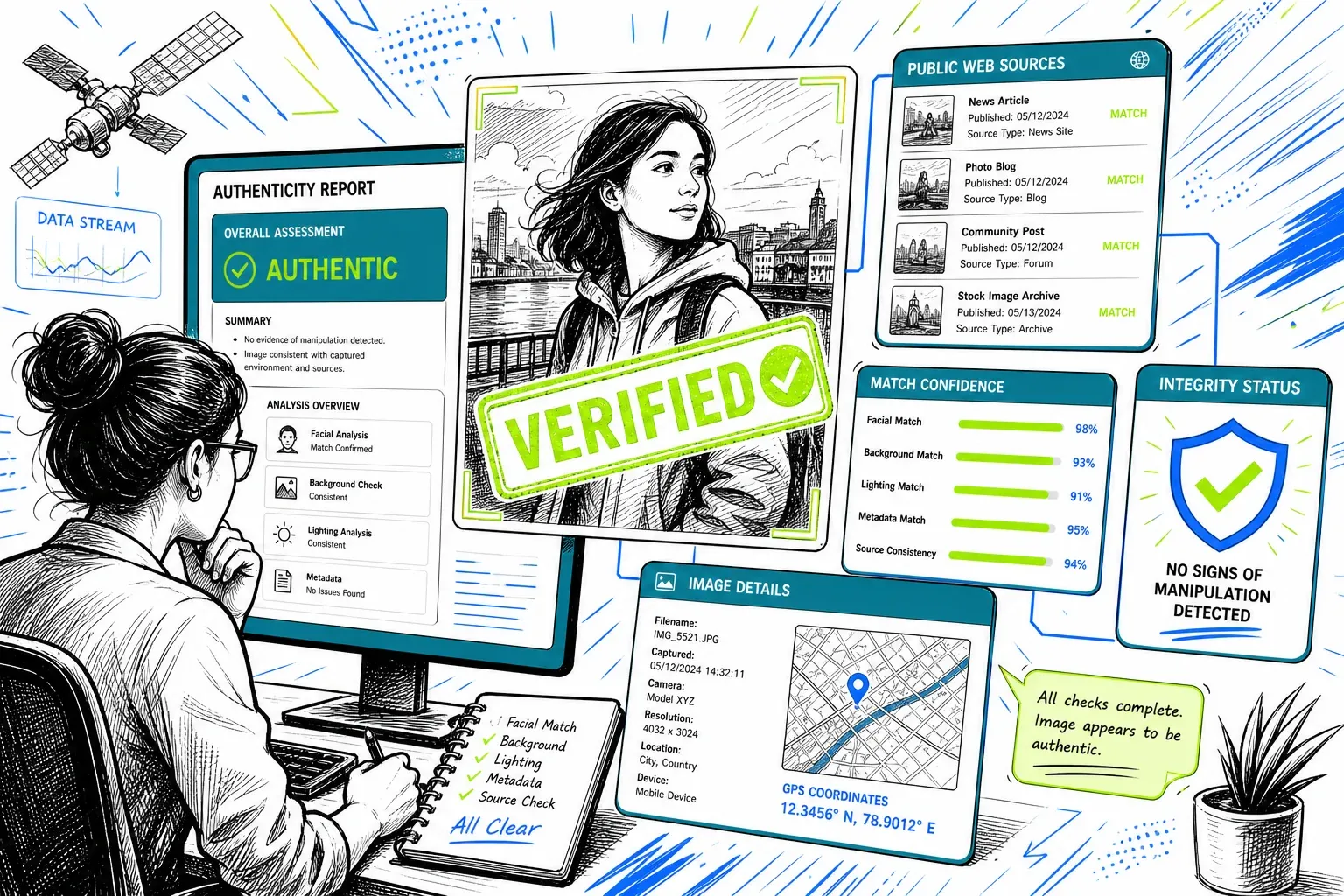
FaceFinderLens helps you check if a photo appears elsewhere on the public web — a quick, private way to spot reused or misleading images before you connect.
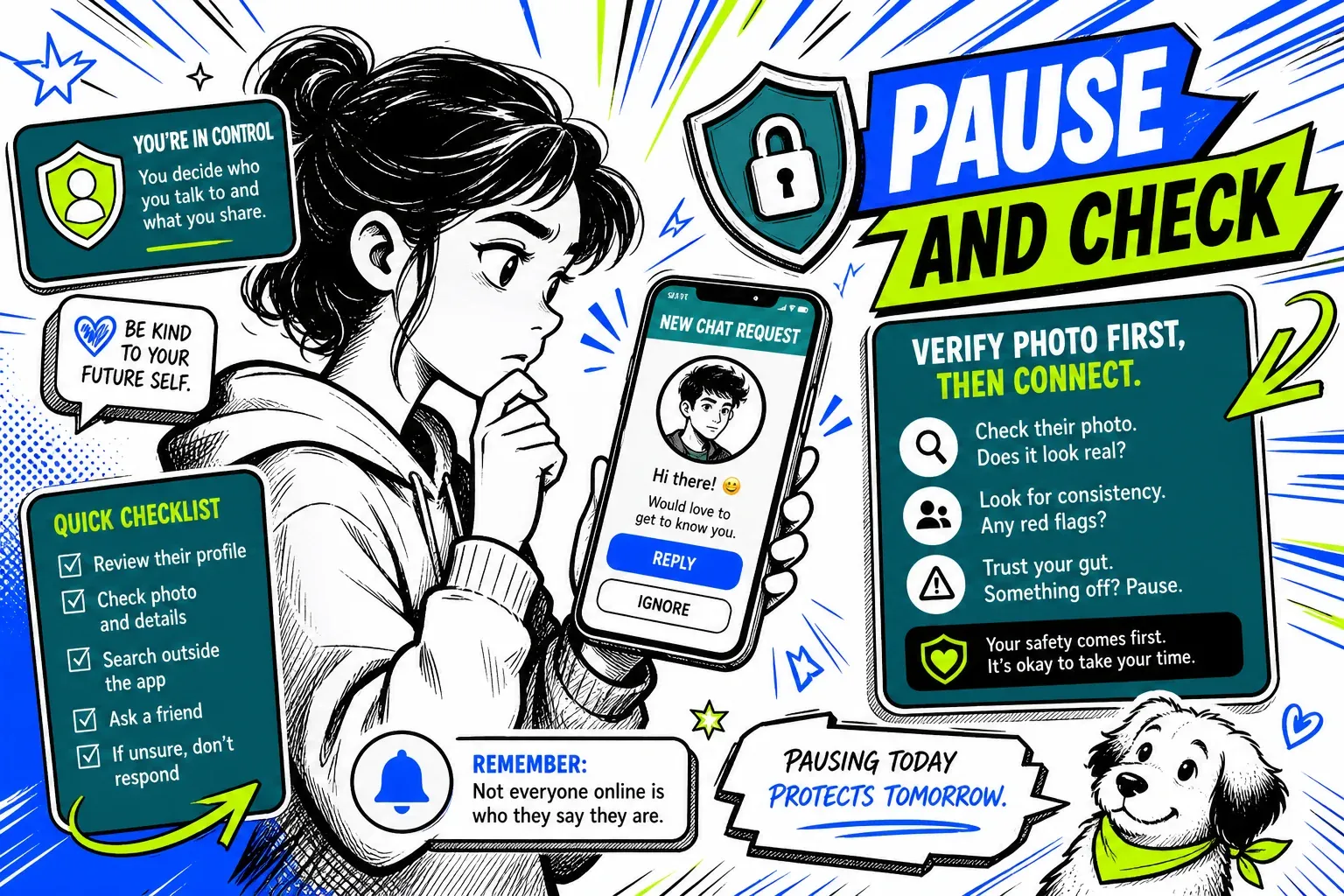
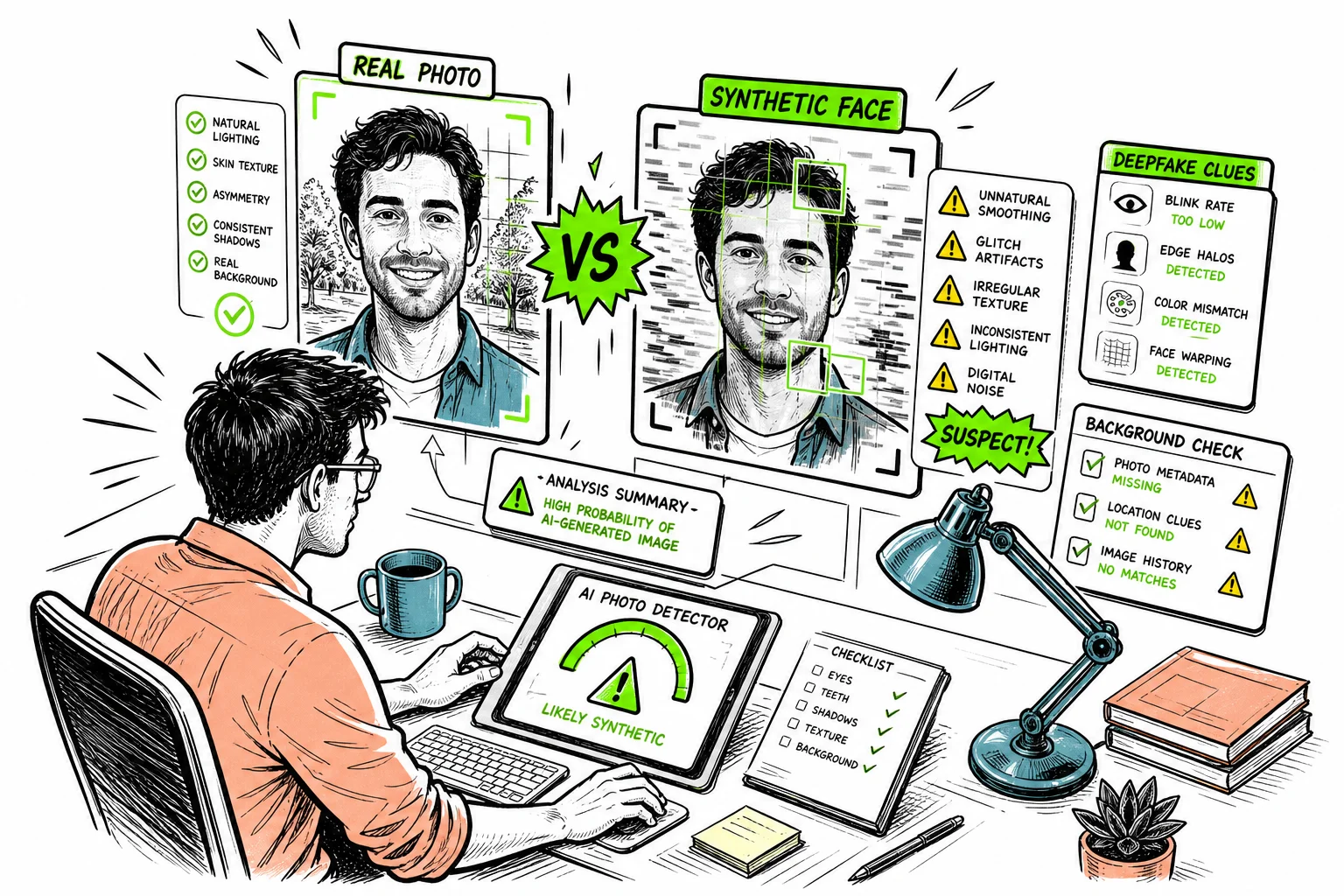
FaceFinderLens uses advanced image analysis to help you spot photos that appear artificially generated.
It’s designed to highlight potential AI-created or manipulated images, so you can better understand whether a profile uses genuine or synthetic visuals.
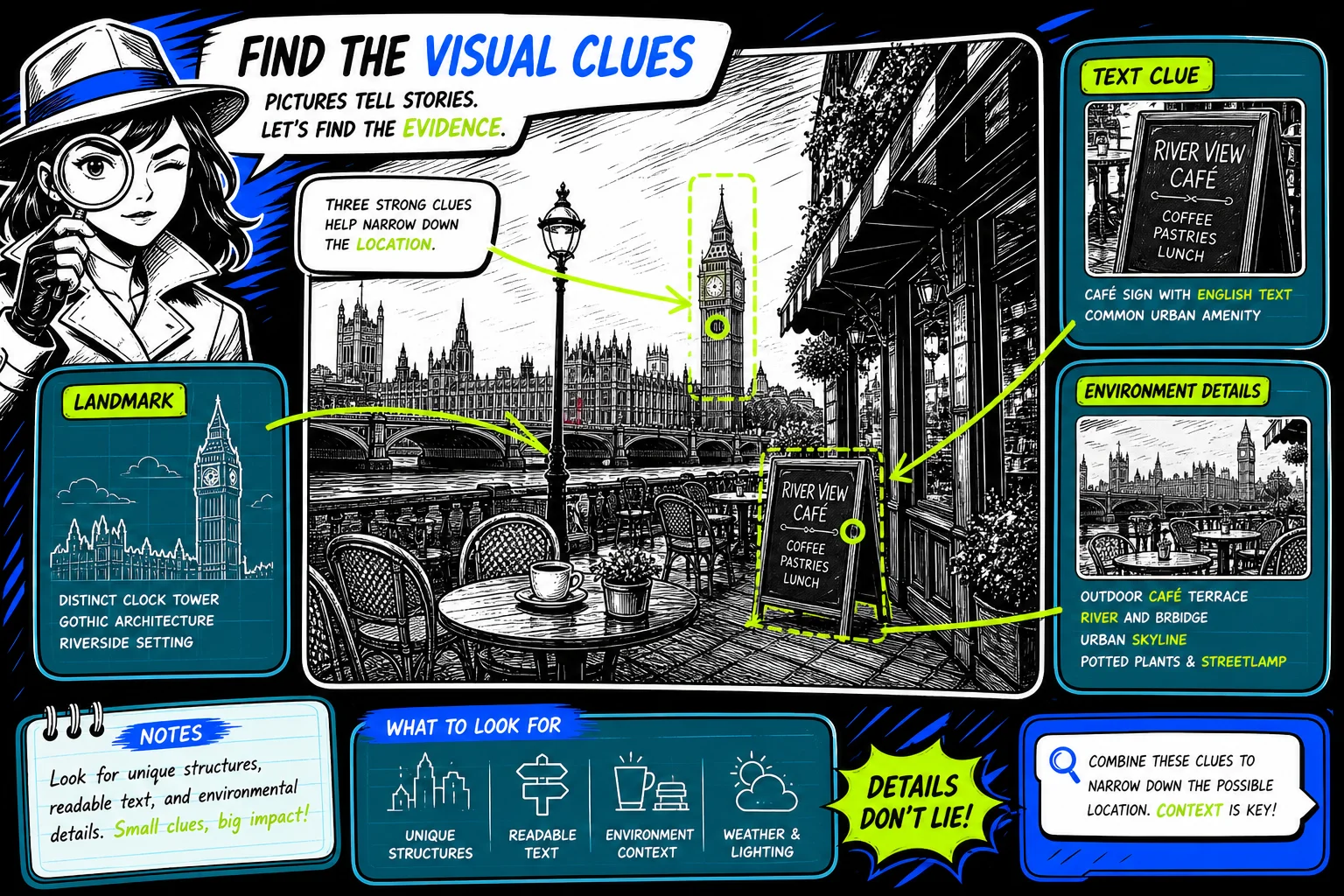
FaceFinderLens’s AI can detect landmarks, text, or environmental details in an image to provide general context about where it might have been taken.
This feature helps you understand a photo’s background and spot inconsistencies — while respecting privacy and analyzing only publicly shared content.
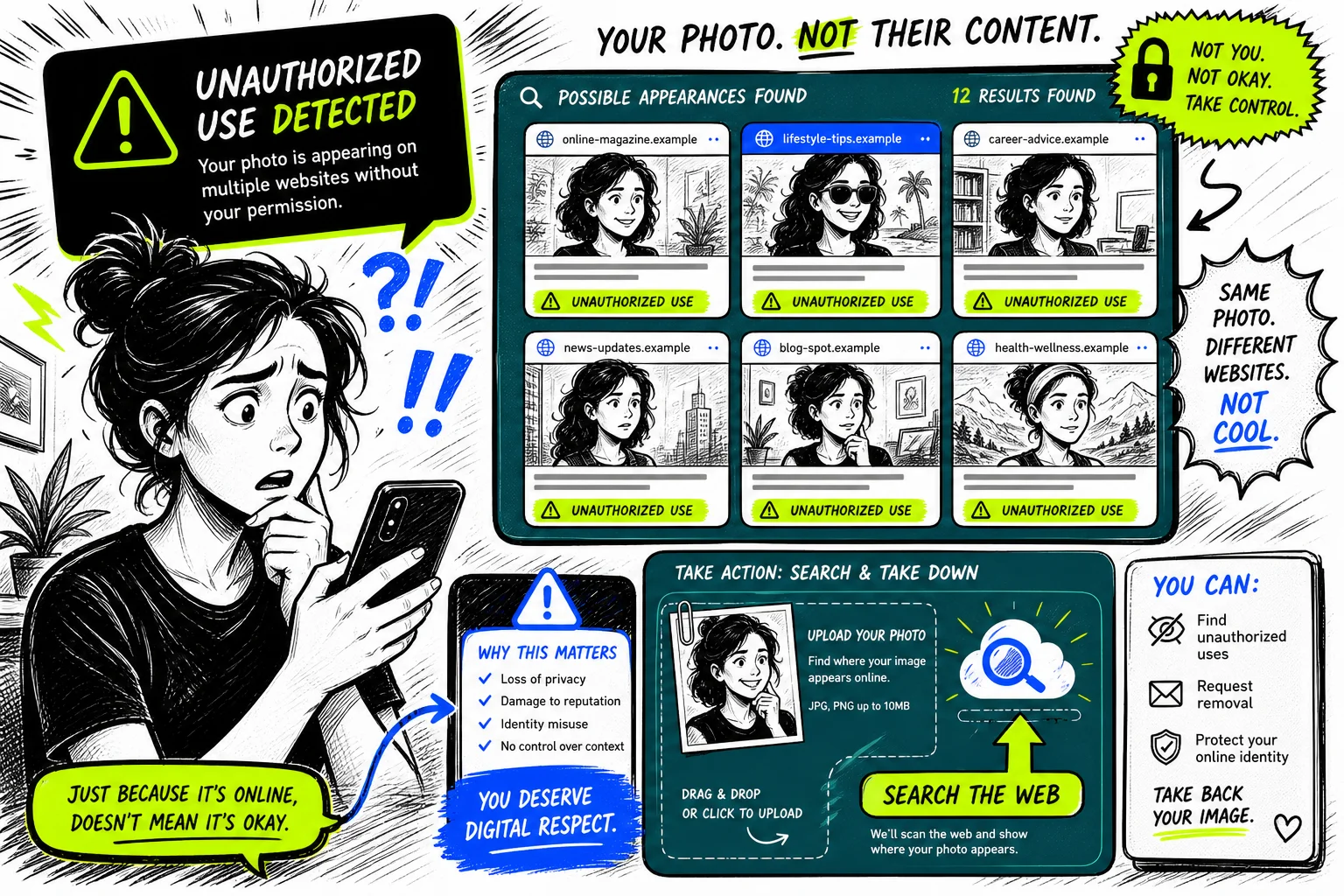
Upload your photo to FaceFinderLens to check if visually similar images appear publicly across the web.
Our AI-powered reverse image search helps you notice possible misuse or impersonation — without identifying individuals or accessing private data.
The best of its kind, FaceFinderLens offers smart, privacy-focused features designed for online safety.
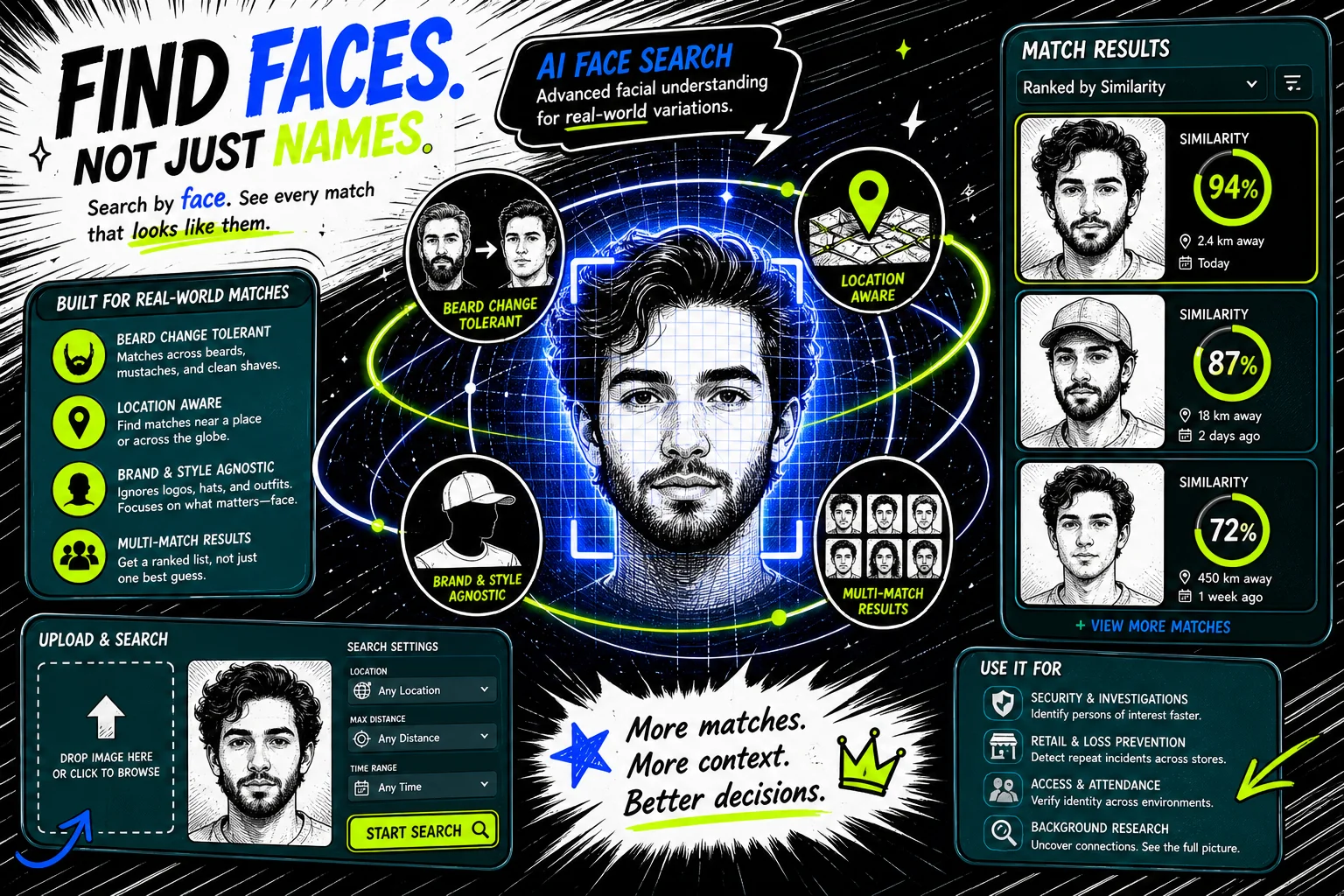
FAQ
Everything about how face search, privacy, and pricing work at FaceFinderLens.
FaceFinderLens is a reverse face search and reverse image search engine. You upload a photo and our AI looks for visually similar faces on publicly accessible pages across the web, so you can see where an image appears online.
Our AI turns the face in your photo into a mathematical representation of its visual features, then compares it against billions of indexed public images. Each match comes back with a similarity score so you can judge how close it is.
No. Your image is processed securely for the search and deleted shortly afterwards. We do not build a face database from uploads and we do not sell or share your photos.
Accuracy depends on photo quality. Clear, well-lit, forward-facing photos give the best matches; heavy filters, extreme angles, sunglasses, or low resolution reduce it. Results are visual similarity indicators, not proof of identity.
No account is required. You can run a search straight from the homepage and pay only when you want to unlock the full list of matching sources.
Running a search and seeing whether matches exist is free. Unlocking the full results — every public source where the photo was found — is a one-time payment with no subscription. See the pricing page for current rates.
Yes. Catfish and romance-scam profiles often reuse stolen photos. Searching a profile picture shows you whether the same image appears elsewhere online under a different name — one of the fastest ways to spot a fake.
FaceFinderLens only searches publicly accessible pages. It is intended for protecting your own identity, verifying who you are talking to, and checking for image misuse — not for stalking, harassment, or any decision about employment, credit, housing, or insurance.
Save the result page as evidence, then report the content to the platform hosting it and request removal. Where local law gives you a right to erasure, you can also send the site owner a takedown or data-removal request.