
What Is Face Search?
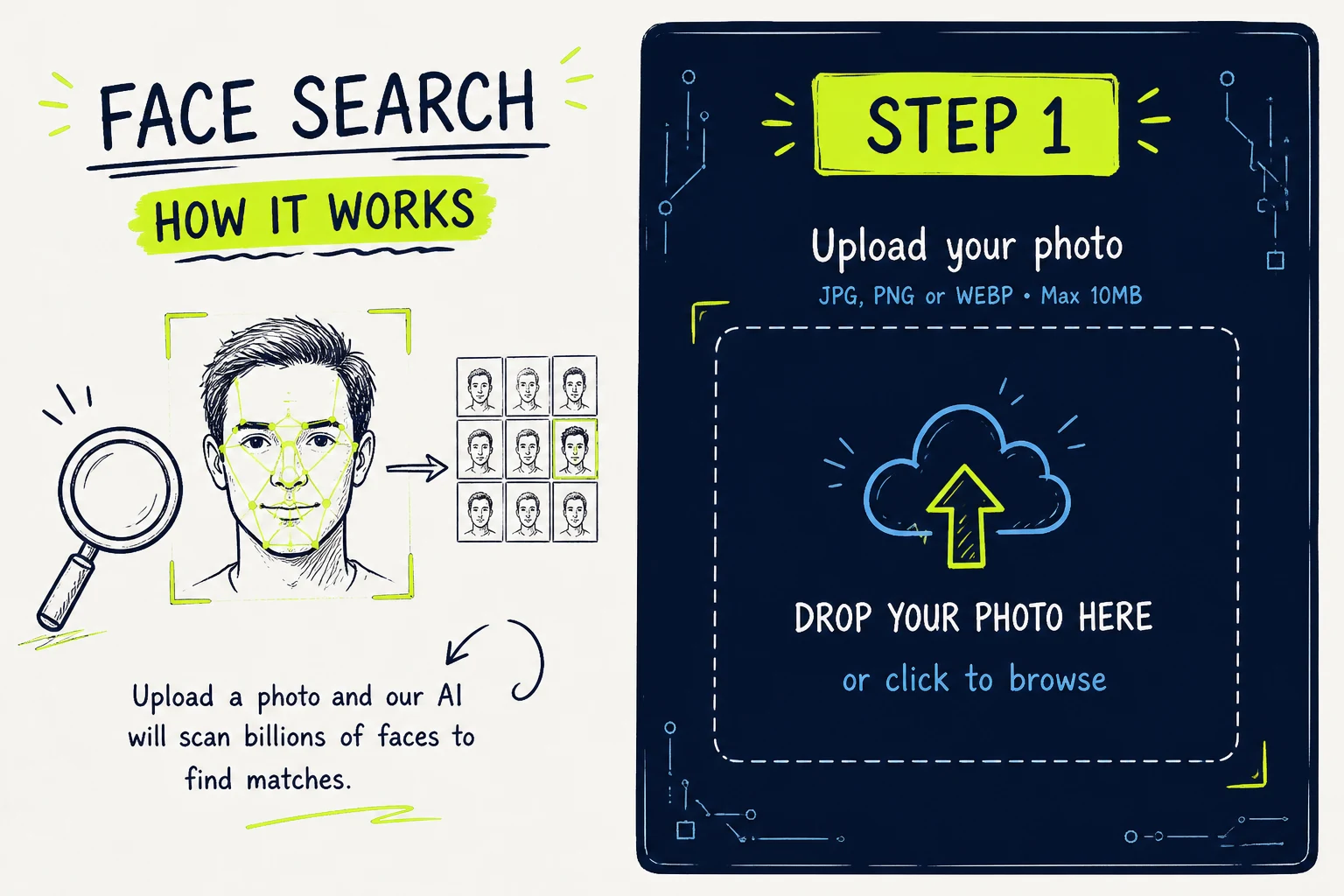
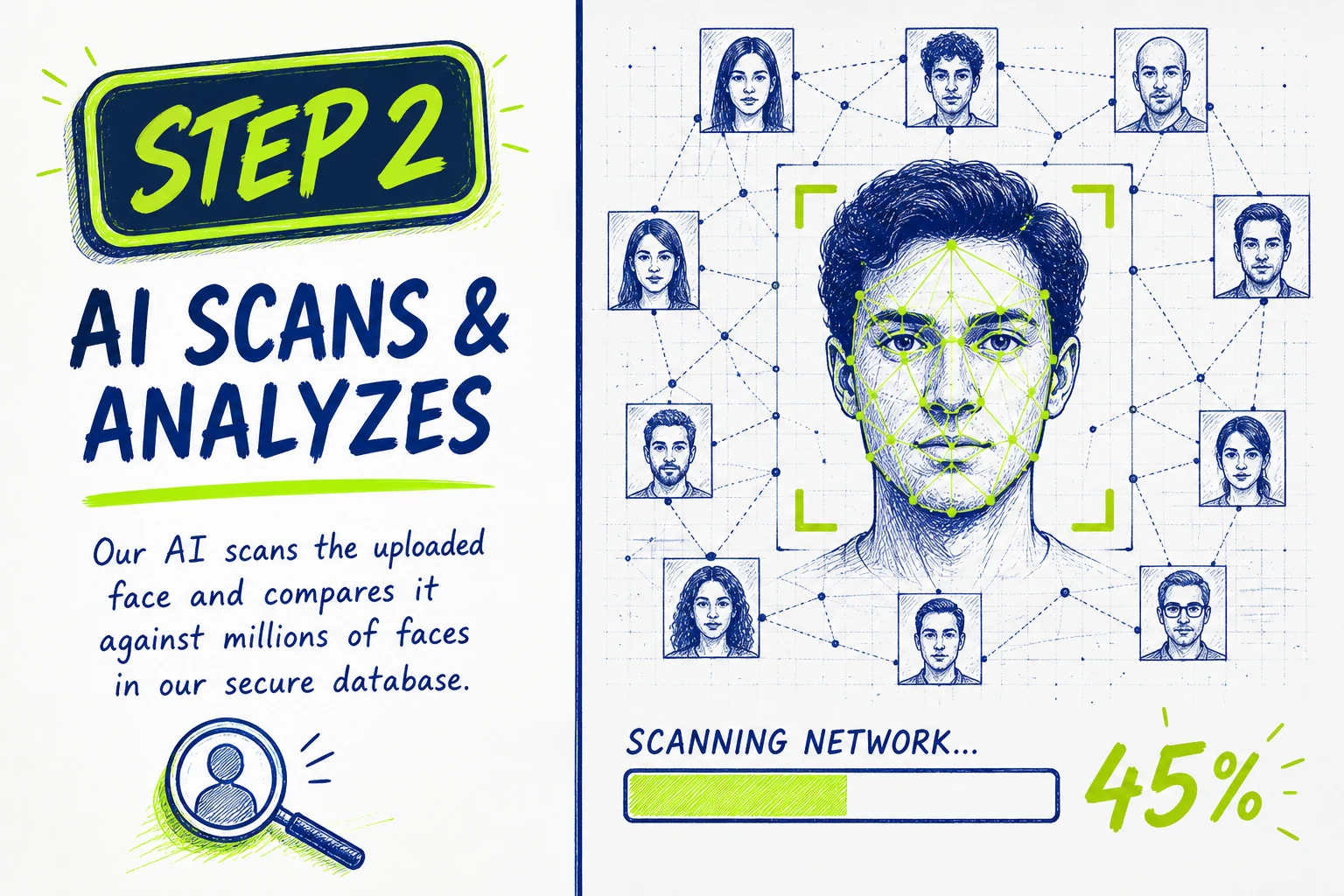
Face search is a way of searching the web where the query is a face rather than a word. Instead of typing a name, you supply a photo. The system measures the geometry of the face in it — the spacing, shape, and arrangement of the features — and looks for publicly indexed images whose faces measure out the same way. What comes back is a ranked list of visually related pages.
That makes it a similarity engine rather than an identity database. It can tell you where a comparable face appears in public and hand you the link; deciding whether it is genuinely the same person is still your call. You will also see the method called searching by face, a face lookup, or a photo search — all of them describe what this tool does. If you already have two photos and only want to know whether they show the same person, you do not need a web search at all: compare the two faces directly.
What a Face Search Actually Returns
Knowing the shape of the output makes the results much easier to read — and much harder to over-interpret.
Pages, not identities
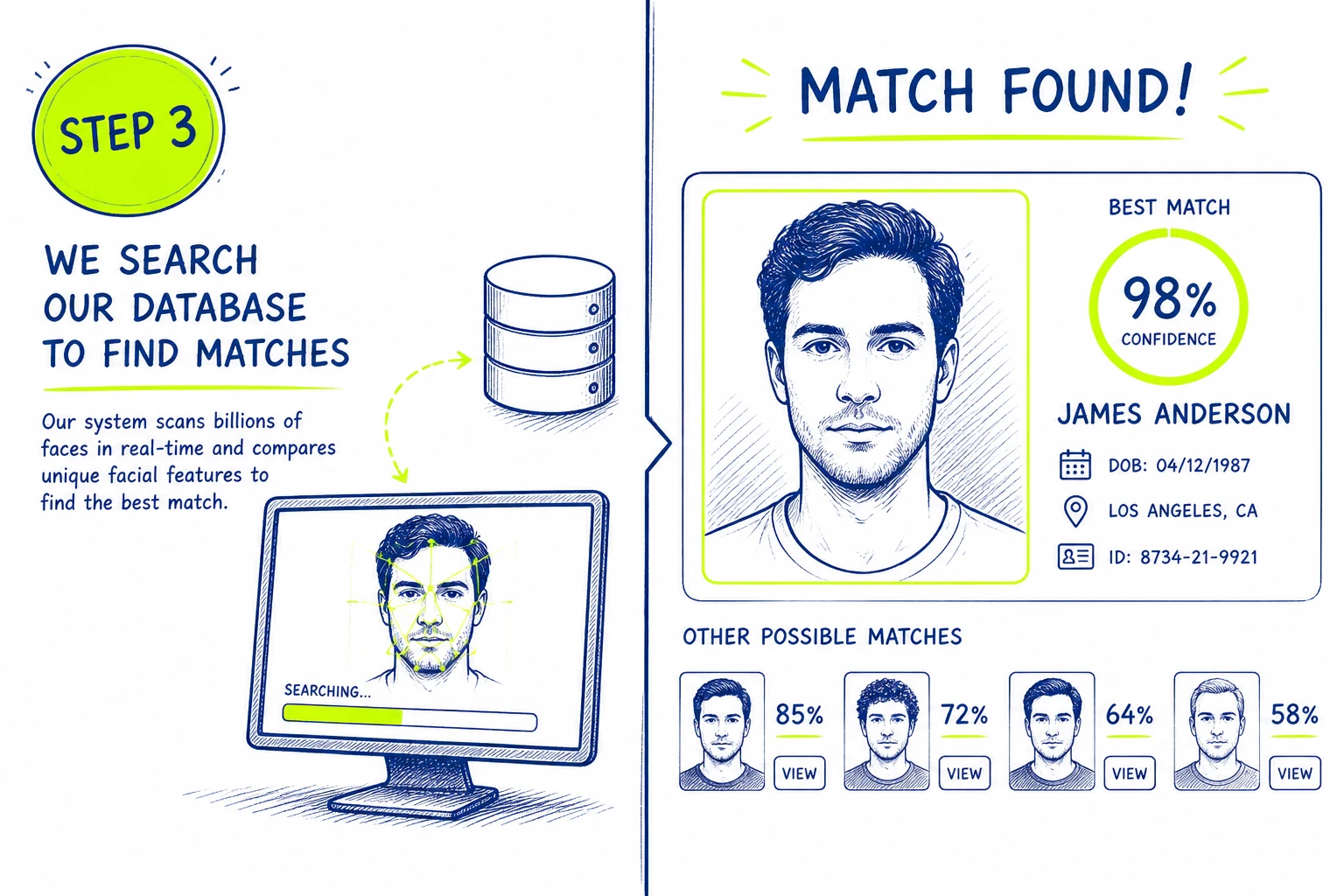
A similarity score per match
Repeat and re-used copies of an image
Context for a public photo
What Can You Use Face Search For?
Face search earns its keep whenever a photo is the only thing you have to search with.
See Where Your Own Photo Appears
Run a search on a photo of yourself to find the public pages carrying it. People use this to keep track of old profiles, spot reposted images, and see which pictures of them are reachable by anyone with a search box.
- Start with a photo you already know is online
- Repeat periodically — indexes change over time
Check Whether a Profile Picture Is Used Elsewhere
A picture that also appears on a dozen unrelated accounts is telling you something. Searching a profile photo shows you the other places the same face is published, which is usually enough to see whether the image is original to that account.
- Works from a screenshot of the profile
- Compare posting dates on the source pages
Trace the Origin of a Public Image
When a photo circulates without a caption or credit, a face search can point you at earlier appearances of the same person — often the original publication, a press page, or a stock listing.
- Follow results back to the earliest source
- Useful when file metadata has been stripped
Find Duplicate Uses of an Image
Photographers, models, and anyone whose likeness is part of their work use face search to see where their images have been copied and republished, and to collect the URLs needed to ask for removal.
- Collect source URLs for takedown requests
- Catches copies that were cropped or resized
Discover Visually Similar Photos
Because matching runs on facial structure rather than pixels, results include other photos of the same person taken at different times, in different lighting, or at different angles — not just copies of the file you uploaded.
- Surfaces different photos of the same face
- Tolerates crops, filters, and rescaling
Add a Visual Check to Research
Journalists, researchers, and moderators use a face search as one input among several — a quick way to see whether an image has a public history before treating it as new or exclusive.
- Treat every match as a lead to verify
- Keep the source links with your notes
How to Get Better Face Search Results
Result quality tracks photo quality more than anything else. A couple of minutes spent picking the right image usually beats running the same weak photo repeatedly.
- Use a clear, in-focus faceSoftness and motion blur wash out the fine measurements the engine depends on. Of two photos, the sharper one nearly always returns the better set of matches.
- Prefer even, front-lit lightingHard shadows across the face and strong backlighting both distort the apparent shape of the features. Flat, even light — daylight indoors is ideal — gives the most reliable read.
- Choose a front-facing angleA face looking roughly at the camera exposes the most measurable structure. Steep profiles and sharp upward or downward angles hide part of it and reduce the number of matches.
- Keep the face unobstructedSunglasses, masks, raised hands, and hair across the face all remove reference points. Ordinary prescription glasses are usually fine; anything that covers the eyes is not.
- Give it enough resolutionThe face itself should be at least a couple of hundred pixels across. A large photo where the face is a tiny part of the frame carries no more detail than a small one.
- Crop to one faceGroup photos are ambiguous. Crop to the person you mean, leaving a little space around the head, and run a separate search for anyone else in the shot.
If a photo is heavily stylised or you suspect it was machine-generated, run it through the AI image check first — synthetic faces behave unpredictably in a similarity search.
Face Search vs Reverse Image Search
| Face search | Reverse image search | |
|---|---|---|
| What is compared | The measured geometry of one face in the photo. | The whole image — its composition, colours, and visual features. |
| Best at finding | Other photos of the same person, taken separately. | Copies of that exact picture, and images that look like it. |
| If the image is edited | Cropping, filters, and rescaling usually survive it, as long as the face is intact. | Heavy edits can break the match, since the picture itself has changed. |
| Use it when | The person is the point and the specific photo is not. | The picture is the point — a product shot, artwork, screenshot, or scene. |
Why Run Your Face Search Here
Results You Can Check, Not Just Count
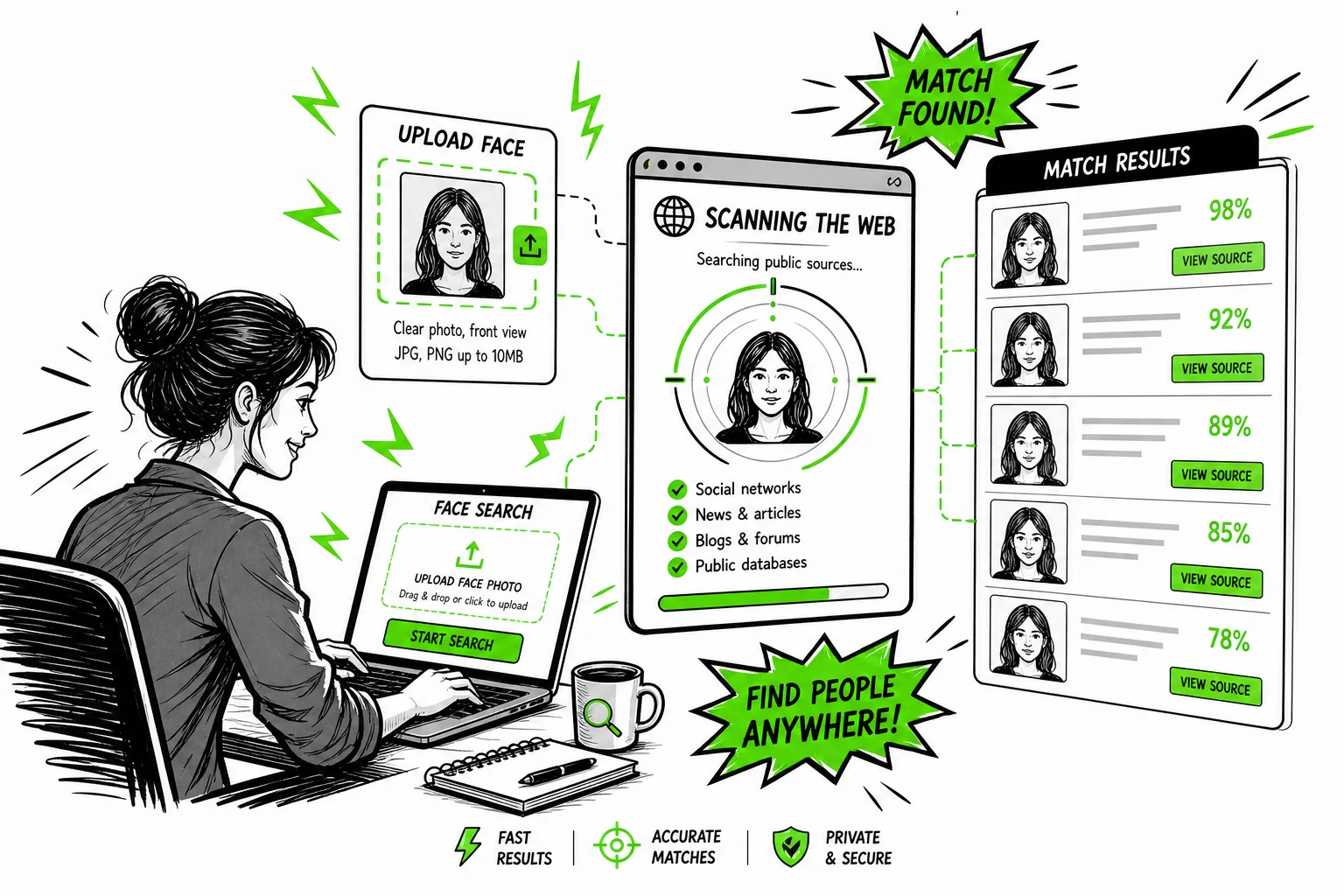
A face search is only worth as much as the sources behind it. Every match here comes back with the page it was found on and a similarity score, so you can open the original, read the surrounding context, and decide for yourself. There is no summary verdict, because a similarity engine is not in a position to give one.
- A direct link to the source page for every match
- Similarity scores you can rank and weigh yourself
A Dedicated Face Index, and the Rest of the Toolkit Beside It
Matching runs on FaceCheck.ID, an index built specifically for faces rather than for pictures in general — which is why cropped, filtered, and rescaled photos still connect. When a face search takes you as far as it can, face comparison and the other tools are on the same account, sharing the same credits, so a follow-up does not mean starting over somewhere else.
- JPG, PNG, and WEBP accepted up to 10 MB
- One credit balance across every FaceFinderLens tool
What Face Search Cannot Do
Being clear about the boundaries is what keeps the results useful. These constraints apply to every face search tool, ours included.
- It does not identify people
- The engine returns faces that measure alike and the pages they sit on. Any name you see came from the page itself, not from the match — and pages get names wrong.
- It only reaches public, indexed material
- Private accounts, closed platforms, messaging apps, and anything behind a login are out of reach. Someone with a small public footprint may return nothing at all.
- Empty results prove nothing
- No matches means no matches were found in the indexed set. It is not evidence that a photo is unpublished, original, or genuine.
- Look-alikes generate false positives
- Unrelated people can score highly, and relatives especially so. Always open the source page and weigh the surrounding context before concluding anything.
- Age gaps and appearance changes hurt recall
- A photo taken years earlier or later, or one spanning a significant change in weight, facial hair, or styling, may not connect to more recent images of the same person.
- It is not proof
- Results are leads for a person to verify, not findings. They should not be the sole basis for a decision that affects someone — a hire, a report, an accusation.
Privacy and Responsible Use
A face search reads only what is already published. It does not open private accounts, and it cannot pull records that were not public to begin with — the index it queries is built from openly reachable pages.
The photo you upload is passed to our search provider to run the query and is removed from our servers as soon as it has been handed over. We do not publish your searches, and the person in the photo receives no notification.
None of that makes every search appropriate. Searching a face is a way of collecting information about a real person, and it deserves the same restraint you would want applied to you.
Before you search
- Only upload photos you have the right to use.
- Have a reason you would be comfortable stating out loud.
- Treat every match as a lead to check, never as a confirmed fact.
- Never use results to contact, follow, pressure, or expose someone.
- Do not use this tool for employment, credit, housing, or insurance screening — it is not a consumer reporting agency and results are not eligible for those decisions.
- If you have found genuine harm, report it to the platform involved rather than acting on it yourself.
Frequently asked questions
What is face search?
Face search is a method of searching the web in which the query is a face rather than text. You supply a photo, the system measures the facial features in it, and it returns publicly indexed pages carrying a face with similar measurements — each with a similarity score and a link to the source.
How does face search work?
Three stages. The tool first detects the face within your photo. It then converts that face into a numeric signature describing the proportions and arrangement of its features. Finally it compares that signature against signatures derived from publicly indexed images and ranks whatever it finds by closeness of fit.
How do I search by face online?
Pick the clearest photo you have of the person, crop it so one face fills most of the frame, and upload it in the search box at the top of this page. The search runs on the face alone, and each result links to the public page where a matching face was found.
Can I search by face for free?
Starting a face search is free and needs no account. Seeing the actual matches and their source links uses one credit, and the same credits work across every FaceFinderLens tool.
Can I search the web using a face?
Yes — that is exactly what this page does. Upload a clear photo of a face and the search runs without any name, username, or keyword. A photo is the only input required.
What type of photo works best for a face search?
A sharp, evenly lit, front-facing photo with the face unobstructed and at least a couple of hundred pixels across. If several people appear in the shot, crop to the one you want. Ordinary glasses are fine; sunglasses, masks, and hair across the face all reduce accuracy.
Why didn't my face search return useful results?
Usually one of three reasons: the photo was too small, blurry, angled, or obstructed for reliable measurement; the person has little or no publicly indexed presence; or their published photos differ enough from yours — in age, angle, or appearance — that the engine did not connect them. Trying a different, clearer photo of the same person is the most effective fix.
Is face search the same as reverse image search?
No. A reverse image search compares the whole picture and is best at finding copies of that specific file. A face search compares only the face, so it can find entirely different photos of the same person — and it survives cropping, filters, and rescaling that would break an image-level match.
Can I search for my own photos online?
Yes, and it is one of the more common reasons people run a search here. Upload a photo of yourself to see which public pages carry your face. Because indexes change, repeating the search occasionally gives a more complete picture than a single run.
Does the person know I searched their face?
No. There is no notification to anyone in the photo, and searches are not published. That is precisely why the responsible-use guidance above matters: the absence of a notification is not the same as the absence of an obligation.
Where to Go Next
Face search is one tool among several. If your question is a slightly different shape, one of these is likely the better starting point.
Guides & resources
Read in-depth guides that match this tool — tips, statistics, and step-by-step walkthroughs.