
AI-generated profile pictures are becoming harder to recognize.
A few years ago, synthetic faces often had obvious problems: strange eyes, distorted teeth, unrealistic hair, or broken backgrounds. Today, many AI-generated portraits can look almost identical to normal photographs.
That creates a new challenge for anyone trying to verify a person online.
A suspicious profile picture may belong to a real person, it may have been copied from someone else, or the face itself may have been created entirely by artificial intelligence.
At FaceFinderLens.com, we focus on helping users investigate suspicious profile photos by combining visual analysis with reverse face search.
This guide explains what to look for before trusting a photo.
Why AI-Generated Faces Are Becoming Difficult to Recognize
Modern image-generation systems have improved dramatically.
They can now create:
- realistic skin texture
- natural facial expressions
- professional headshots
- dating profile photos
- social media selfies
- realistic lighting and backgrounds
Because of this, there is no single visual trick that can reliably tell you whether a face is real.
A better approach is to examine several parts of the image and then verify the photo using additional tools.
Start With the Small Details
Instead of looking only at the overall face, zoom into parts of the image where AI systems sometimes make subtle mistakes.
Eyes and Reflections
Look closely at both eyes.
Check whether reflections, pupils, lighting, and eye direction appear consistent.
If one eye reflects a bright window while the other shows completely different lighting, that may be worth investigating.
Small differences are normal in real photographs, so this should never be treated as proof by itself.
Look Around the Hair and Face Edges
Hair is one of the most complicated details for image-generation systems.
Pay attention to areas where the hair overlaps with:
- ears
- glasses
- clothing
- the forehead
- the background
Sometimes strands disappear unexpectedly or blend into nearby objects.
The edges around the face can also reveal unusual smoothing or blending.
Inspect Jewelry and Accessories
Accessories often contain repeating shapes and fine details.
Check:
- earrings
- necklaces
- glasses
- piercings
- hair clips
If the person is wearing matching earrings, compare both sides.
AI-generated images may create slightly different shapes or unusual connections between jewelry, skin, and hair.
Check the Background Instead of Only the Person
A highly realistic face can distract you from mistakes elsewhere in the image.
Look behind the subject.
Inspect objects such as:
- doors
- furniture
- windows
- signs
- cars
- buildings
- screens
AI-generated backgrounds may contain unusual geometry, repeated patterns, or objects that do not connect naturally.
Text is also worth checking.
If signs, labels, or logos contain unreadable letters or strange symbols, the image may have been artificially generated or modified.
Compare the Lighting
Light should behave consistently across a photograph.
Look at the shadows around the nose, neck, hair, and clothing.
Then compare them with the light visible in the background.
If the face appears to be illuminated from one direction but the rest of the image suggests another light source, that inconsistency may be useful.
Examine Teeth and the Mouth Area
Modern AI handles teeth much better than older systems, but unusual details can still appear.
Look for:
- merged teeth
- inconsistent spacing
- unrealistic edges
- strange shadows inside the mouth
- unnatural lip boundaries
These details become easier to notice when the image is enlarged.
Check the Ears
Ears receive much less attention than eyes or mouths, which is exactly why they can be useful.
Look at their shape and internal structure.
If both ears are visible, compare them.
Unusual folds, strange jewelry placement, or an ear blending into the hair may indicate that the image deserves further investigation.
Perfect Does Not Always Mean Real
Some AI-generated portraits look unusually polished.
The skin may be flawless.
The lighting may look like a professional studio setup.
The person’s face may appear highly symmetrical.
None of these characteristics prove that a photo is synthetic.
However, when an image looks unusually perfect while also containing small inconsistencies in hair, accessories, or background objects, those clues together can become more meaningful.
AI-Generated Face or Stolen Photo?
This is an important distinction.
A fake profile does not always use an AI-generated person.
Many fake accounts simply steal photographs of real people.
Imagine two different situations.
Situation 1: Someone Uses a Stolen Photo
The photograph belongs to a real person, but someone else is pretending to be them.
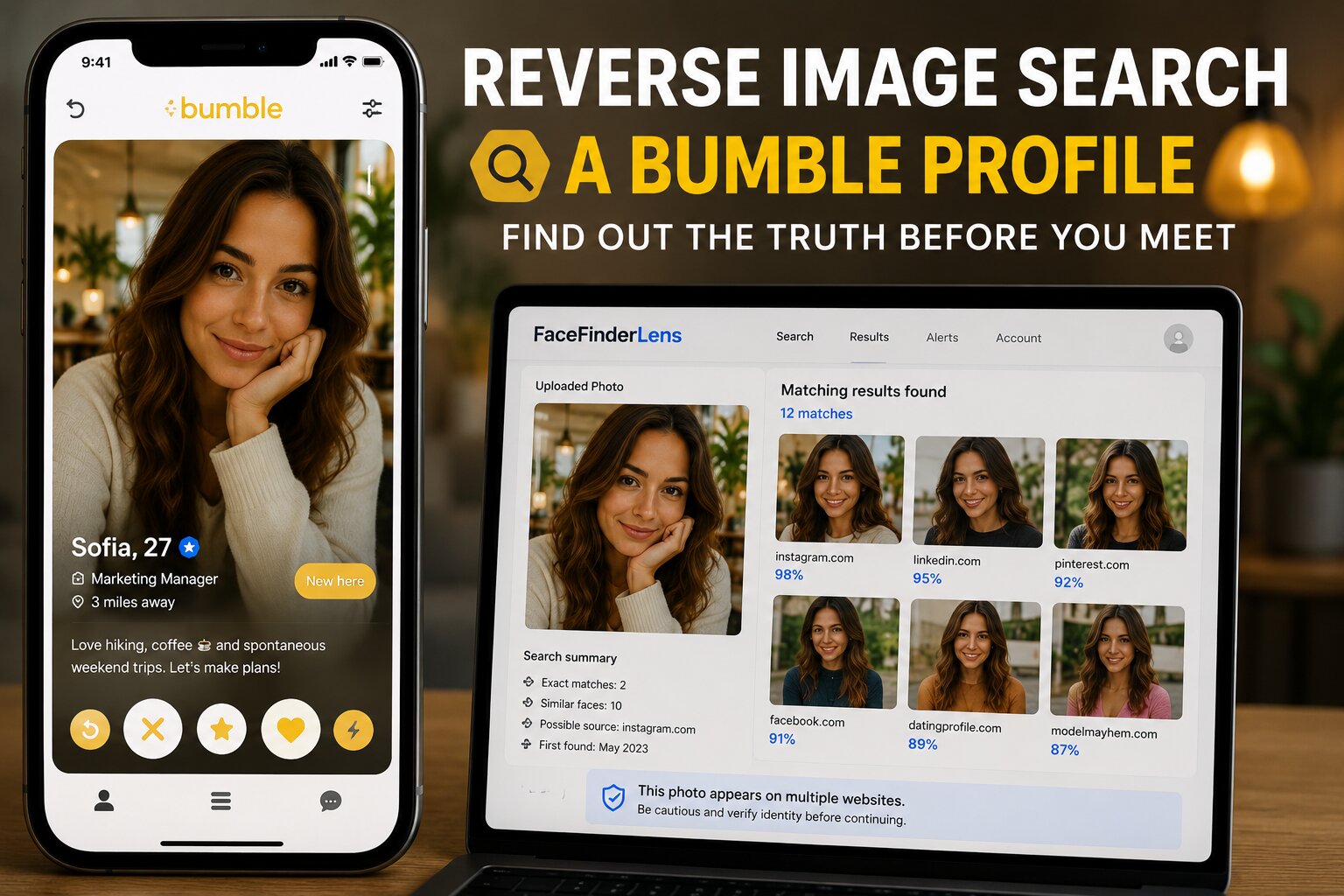
In this case, a reverse face search may locate the same person on other publicly available pages.
If the same face appears under a completely different name or identity, that can be an important warning sign.
Situation 2: The Person Was Generated With AI
A synthetic person may have little or no previous history online.
That means a reverse search might return very few results.
For this reason, finding no matches does not automatically prove that a profile is genuine.
You need to combine several types of evidence.
How FaceFinderLens Can Help
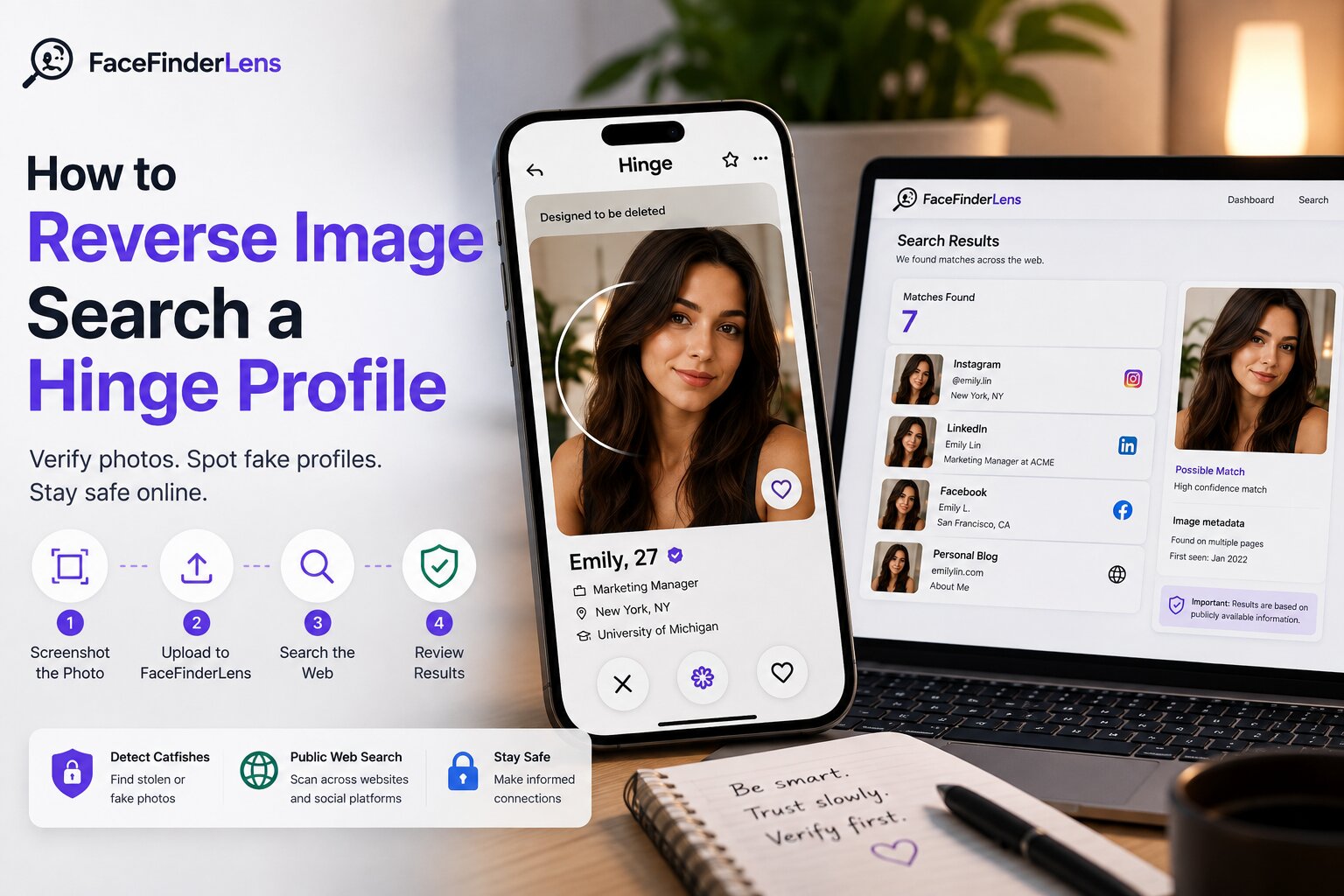
FaceFinderLens.com allows you to investigate a suspicious photo using reverse face search and image analysis.
Instead of asking only:
“Does this image look AI-generated?”
it can be more useful to ask:
“Where else does this face appear online?”
A search may help uncover:
- reused profile photos
- images connected to different names
- duplicate accounts
- possible impersonation
- suspicious image reuse
- visually similar photos on other websites
These results can provide additional context around a profile.
No face-search or AI-detection system should be treated as absolute proof, but combining different signals can make an investigation much stronger.
A Simple Way to Check a Suspicious Profile
When you are unsure about a profile photo, use several verification steps.
First, inspect the photograph manually.
Look at the eyes, hair, ears, accessories, background, and lighting.
Next, search the face online.
You can upload the image to FaceFinderLens.com and check whether visually similar photos appear elsewhere.
Then compare any results you find.
Ask yourself:
- Is the face connected to another name?
- Does the same person appear on unrelated websites?
- Is the photo older than the profile?
- Do different accounts claim different locations or occupations?
- Does the profile story match the available evidence?
Finally, consider the behavior of the person behind the account.
Suspicious behavior combined with inconsistent photos is generally more important than a single unusual detail in an image.
What If Face Search Finds Nothing?
A search with no results can have several explanations.
The photograph may be:
- recently uploaded
- rarely published online
- hosted on pages that are not publicly searchable
- heavily edited
- cropped or modified
- generated using AI
This is why “no results” should not be interpreted as confirmation that the profile is real.
Reverse face search is an investigation tool, not a guarantee of identity.
Can AI Detectors Be Wrong?
Yes.
AI-image detection technology is not perfect.
As image-generation models improve, distinguishing real photographs from synthetic images becomes more difficult.
A detector may sometimes classify a real photograph incorrectly or fail to recognize a highly realistic AI-generated image.
For that reason, detection scores should be treated as one signal among several.
Visual inspection, reverse search results, profile history, and behavioral clues should all be considered together.
Why Fake Profile Pictures Matter
Synthetic faces are not inherently harmful.
AI-generated people can be useful in:
- advertising
- design
- entertainment
- games
- creative projects
- privacy-focused avatars
The problem begins when someone intentionally uses a synthetic or stolen identity to deceive another person.
Fake identities may appear in:
- dating scams
- impersonation
- fraudulent social media accounts
- fake testimonials
- social engineering
- fabricated professional profiles
Being able to investigate suspicious images can therefore help users make better decisions before trusting someone they have never met.
Final Thoughts
There is no perfect visual test for identifying an AI-generated face.
Modern synthetic photos can look extremely realistic.
Instead of relying on one detail, combine several methods.
Inspect the image carefully.
Check the background and facial details.
Search for the face online.
Compare names, profiles, and contexts.
And when something does not add up, investigate further before trusting the account.
If you want to check a suspicious profile picture, you can use FaceFinderLens.com to search for visually similar faces and gather more information about where an image may appear online.