FaceFinderLens

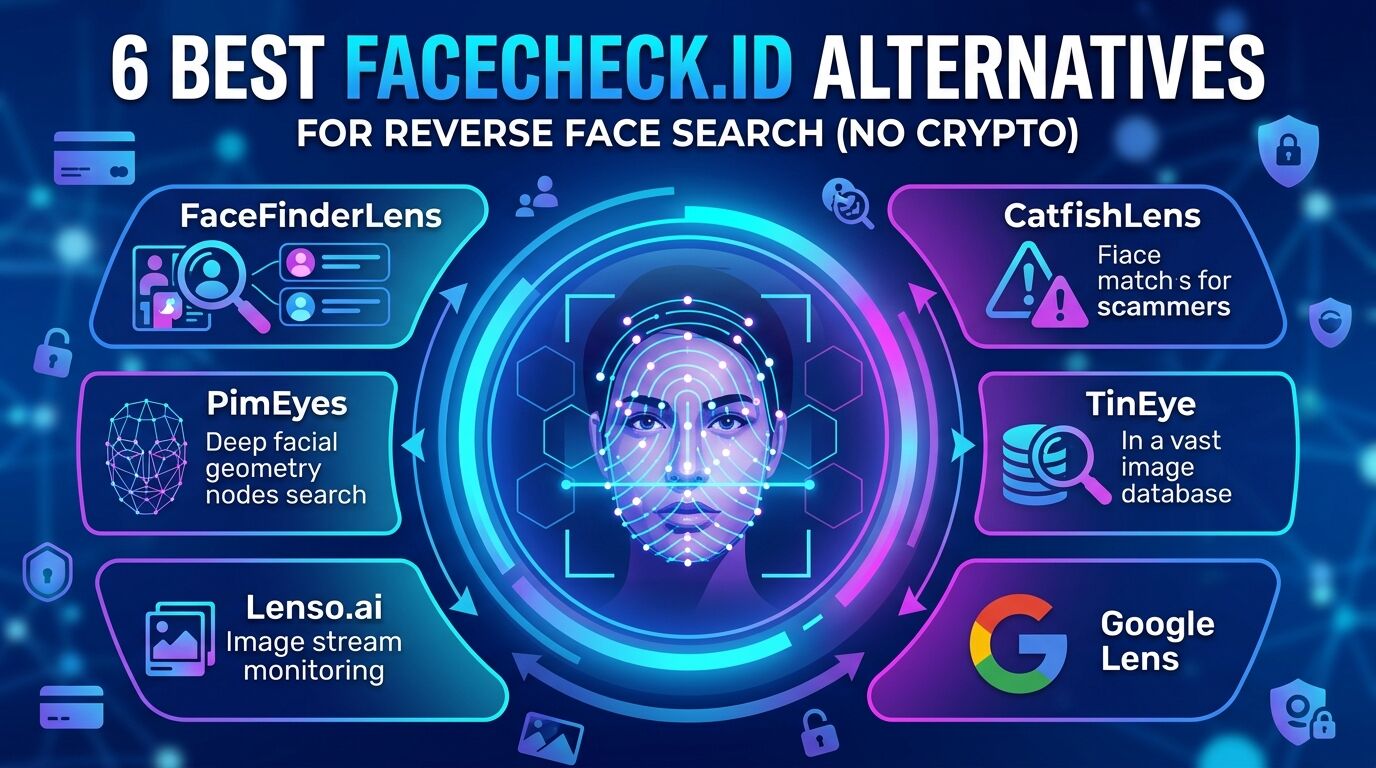
6 Best FaceCheck.ID Alternatives for Reverse Face Search (No Crypto)

FaceCheck.ID has real problems: it only accepts cryptocurrency payments, restricts full report access behind additional paywalls, and returns inconsistent results for everyday photos. If you need reliable reverse face search without the crypto headache, these six alternatives are worth your time.

Tool Best For Face Recognition Pricing
FaceFinderLens Catfish & scammer detection Yes From $3.95
PimEyes Deep facial recognition Yes $15–$300/mo
Lenso.ai Modern AI image search Yes $21–$3,000/mo
CatfishLens Romance scam detection Yes From $6.95
TinEye Surface-level photo matching Limited Free & paid
Google Lens Quick free lookups Limited Free

1. FaceFinderLens — Best for Catching Catfish & Fake Profiles

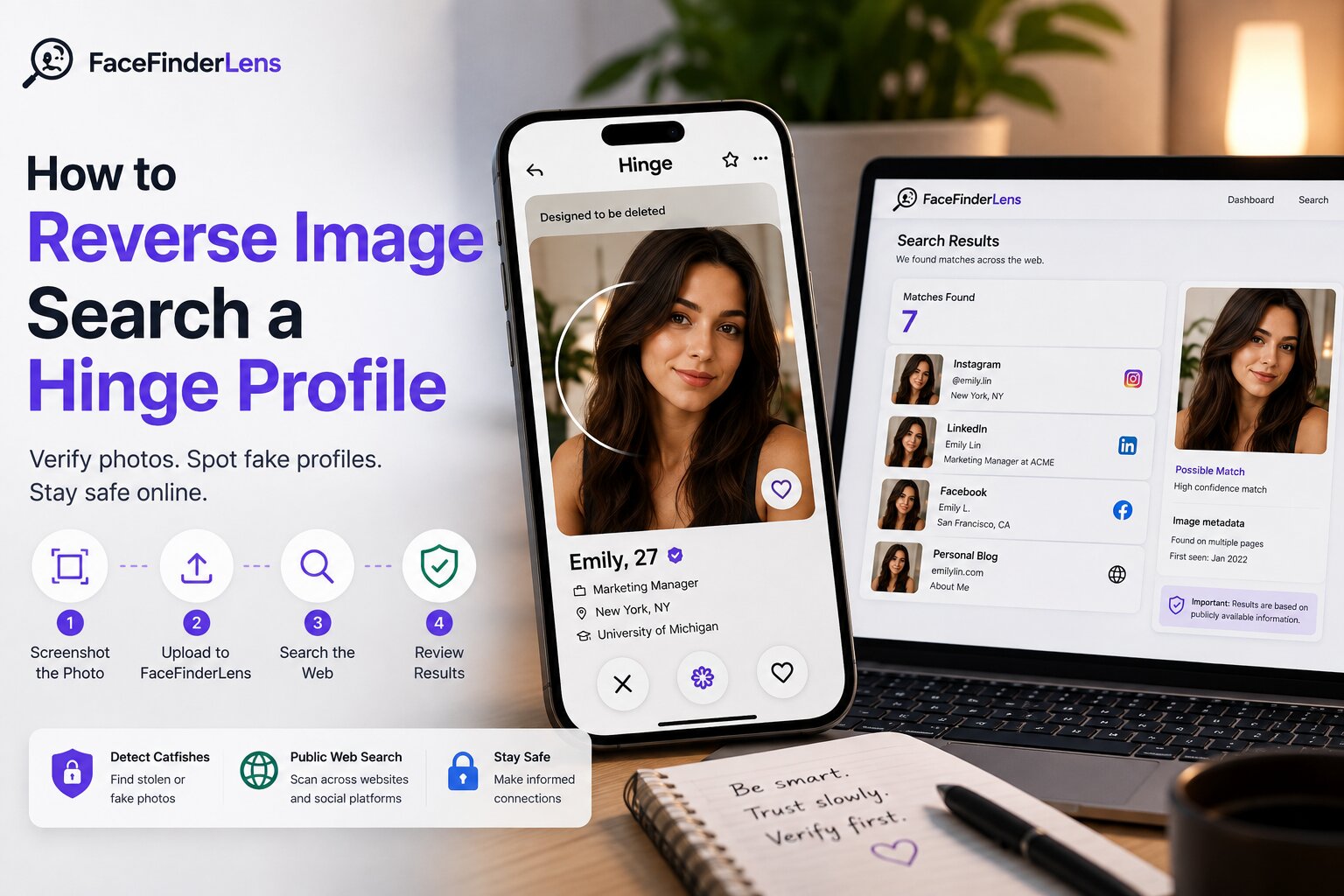
FaceFinderLens is a reverse face and image search tool built specifically for detecting fake profiles, reused photos, and romance scammers. It runs AI-powered facial analysis across social networks, dating platforms, and public websites — and accepts standard card payments, no crypto required.

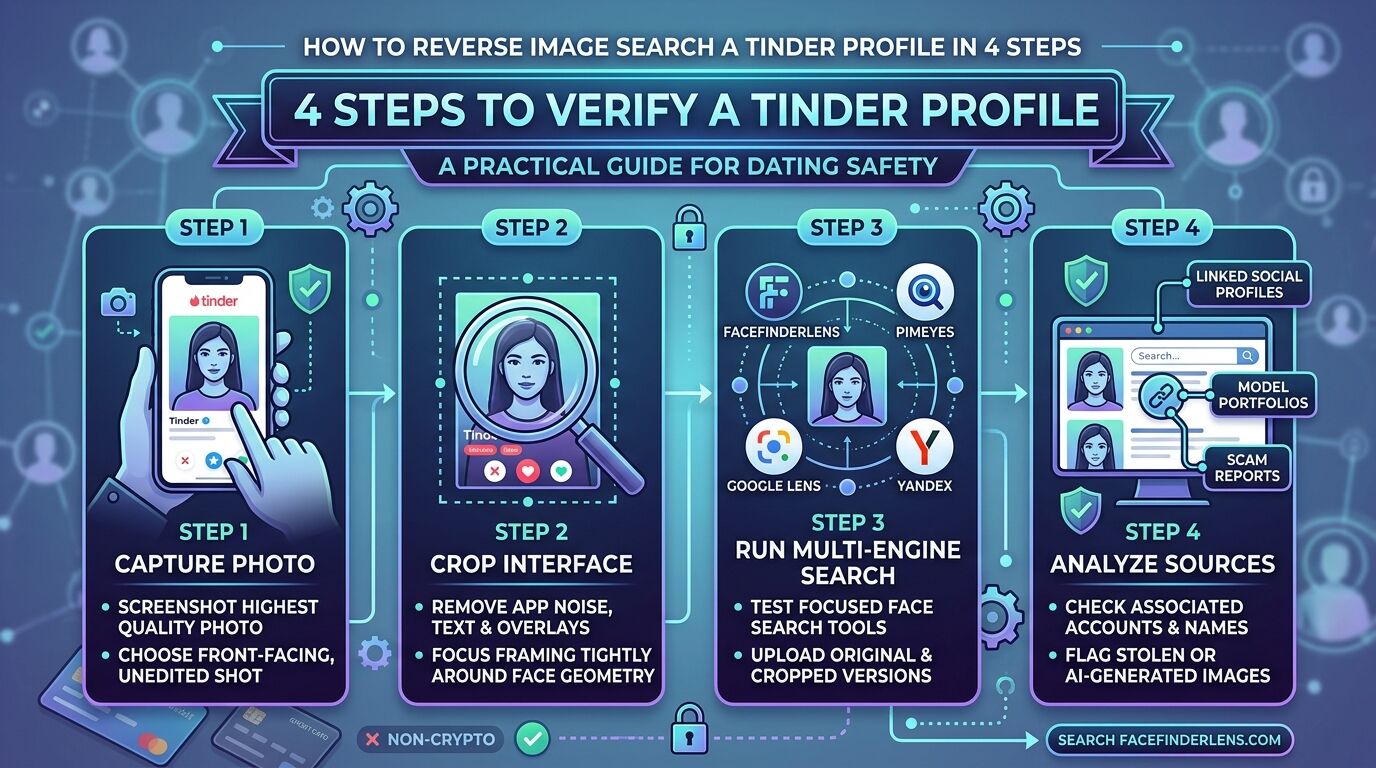
It handles the kinds of images that trip up other tools: cropped portraits, filtered selfies, compressed screenshots, and even AI-generated profile photos (which it flags explicitly).

What it returns:

  • Matching faces across social media, dating sites, and public profiles
  • Linked identities and reused photo patterns
  • AI-generated image detection
  • Scam connections and risk signals

Pricing:

  • Standard — 3 searches for $3.95
  • Premium — 7 searches for $6.95

No account required. No subscription. Credits don’t expire.

FACE SEARCH

Image Search

Upload a face photo to find matching profiles and appearances across the web.

Drop a photo here or click to browse

JPG · PNG · WEBP — max 10 MB

2. PimEyes — Best for Deep Facial Recognition

PimEyes analyzes facial geometry rather than visual similarity — meaning it can match a face even in cropped, angled, older, or lower-quality images, as long as the face is clearly visible. It’s one of the most technically sophisticated tools in this space.

The tradeoff is price. The free tier gives you limited previews without source URLs. Getting full results — where the photo actually appears — requires a paid plan.

Pricing: Single search $14.99 · Monthly plans from $29.99 to $299.99 · Annual plans from $287.90 to $2,879.90.

Limitation: PimEyes doesn’t scan messaging apps, dating platforms, or private social accounts — only publicly indexed web content.

3. Lenso.ai — Fast, Modern Image Search with Monitoring

Lenso.ai runs AI-powered image searches across billions of indexed images, organizing results into categories: places, duplicates, similar images, and people. Its monitoring feature alerts you when new matches appear — useful if you’re tracking whether a photo is being reused over time.

Its database is smaller than dedicated face search engines, which can mean fewer results for less-prominent individuals.

Pricing: Free tier with limited previews · $21.61/month (50 lookups) · $75.66/month (500 lookups) · $3,026.80/month (5,000 lookups).

4. CatfishLens — Best for Romance Scam Detection

CatfishLens is purpose-built for uncovering romance scammers and catfish profiles. It uses facial feature analysis that handles cropped, compressed, and filtered images, and includes a built-in AI image detector to distinguish real photos from AI-generated fakes.

Pricing: $6.95 (2 searches) · $9.95 (5 searches) · up to 50 credits on a pay-as-you-go basis.

Best for: Dating app verification and romance scam checks specifically — narrower focus than FaceFinderLens but solid in that niche.

5. TinEye — Best Free Reverse Photo Search

TinEye’s database covers over 80 billion images and is entirely free for personal use. It excels at finding where a specific image has appeared online — tracking reposts, viral shares, and copyright usage. Results are strongest for product photos, memes, and well-known public figures.

For random individuals with a limited online presence, TinEye often returns few or no results. It’s a good first check, but not a substitute for a dedicated face search tool.

Pricing: Free for personal use. Business plans (MatchEngine API, Alerts) start at $200/month.

6. Google Lens — Best Free Starting Point

Google Lens is the quickest free option for basic reverse image lookups. Upload any photo and Google searches its index for visually similar images — faces, objects, locations, screenshots. It works well for celebrities, public figures, and widely shared content.

For private individuals or photos without a public web presence, results are thin. Use it as a zero-cost first pass before moving to a specialized tool.

Pricing: Completely free. No account required.

Also worth trying: Yandex Images tends to surface more face matches than Google, particularly for photos from Eastern Europe and Asia.

What to Do When a Reverse Face Search Returns No Results

Zero results don’t confirm a profile is legitimate — they often mean the opposite. Common reasons a search comes up empty:

  • The photo is AI-generated (use a tool with AI detection)
  • The image was recently created or has a limited online footprint
  • The photo has been cropped, filtered, or altered enough to defeat matching
  • The source content has been deleted or is behind a login wall

If a search returns nothing, pair it with a video call request, check for profile consistency across platforms, and look for behavioral red flags. A reverse face search is a powerful starting point — not a definitive verdict.

Frequently Asked Questions

Why is FaceCheck.ID so frustrating to use?

Three main reasons: it requires cryptocurrency for payment (no credit cards), restricts full report access unless you pay per result, and results vary significantly in quality. Most users find dedicated alternatives faster and more transparent on pricing.

Can any of these tools detect AI-generated profile photos?

Yes — FaceFinderLens and CatfishLens both include AI image detection that flags photos likely generated by tools like Midjourney or DALL·E. This is increasingly important as AI-generated catfish profiles become more common.

Which tool is best for dating app verification?

FaceFinderLens and CatfishLens are both built with this use case in mind. They index dating platforms and social profiles, and handle the compressed, filtered selfies typical of dating app profile photos.

Do these tools notify the person being searched?

No. All tools listed here perform searches without alerting the subject.

7 Best TinEye Alternatives for Reverse Image Search in 2026

TinEye is excellent for tracking where an exact image has been used across the web, but it has a significant blind spot: it searches for visual duplicates, not faces. If you’re trying to identify a person from a photo — not just find where that specific file appears — you need a different kind of tool.

Here are seven alternatives, each suited to a different use case.

Use Case Best Tool
Catfish detection, fake profiles, AI images FaceFinderLens, Eyematch.ai
General image lookup, products, brands Google Images, Pic Detective
Viral content, memes, public figures CopySeeker, Bing, Google
Deep source tracking Pic Detective, CopySeeker
Chinese/Asian content + AI assistant Baidu Image Search
Free, fast face matching FaceFinderLens, Yandex

1. FaceFinderLens — Best for Face Search & Catfish Detection

TinEye matches images. FaceFinderLens matches faces. That’s the key difference. Where TinEye looks for visually identical files, FaceFinderLens uses facial recognition to find the same person across different photos — even when the image has been cropped, filtered, compressed, or taken from a different angle.

It’s the right tool when you have a profile photo and want to know if that person is who they claim to be, or whether their photo is being used across multiple fake identities online.

What it returns:

  • Facial matches across social media, dating platforms, and public websites
  • Linked profiles and identity connections
  • AI-generated image detection
  • Risk signals and scam pattern flags

Pricing:

  • Standard — 3 searches for $3.95
  • Premium — 7 searches for $6.95

FACE SEARCH

Image Search

Upload a face photo to find matching profiles and appearances across the web.

Drop a photo here or click to browse

JPG · PNG · WEBP — max 10 MB

2. Pic Detective — Best Free Tool for Tracking Image Sources

Pic Detective scans public pages across social media, blogs, Pinterest, Reddit, TikTok, and Spotify — all for free, no account required. It returns hundreds of matches with filtering options, and includes shopping links when it detects branded products.

It’s the closest free alternative to TinEye’s source-tracking functionality, with a broader platform sweep. Less effective for faces or identity verification, but excellent for tracing where a specific image has been shared.

Pricing: Free.

3. CopySeeker — Best for Finding Exact Image Copies

CopySeeker specializes in finding identical or near-identical copies of an image across the web — social media posts, news articles, and blogs. It’s particularly effective for viral content, celebrity photos, and memes that spread widely.

Like TinEye, it’s built for image tracking rather than facial recognition. Effectiveness drops for low-quality photos or images of ordinary individuals without a public web presence.

Pricing: Free (ad-supported) · $9/month · $90/year · $450 lifetime.

4. Google Images — Broad Reach, Zero Cost

Google Images handles cropped, resized, compressed, and edited images with reliable results for anything well-indexed: people, brands, locations, screenshots, memes. It’s the first tool most people should try, purely because it’s free and covers an enormous index.

For identifying private individuals who don’t have a significant web presence, results are limited. But for public figures, products, and widely shared images, it’s hard to beat.

Pricing: Free.

5. Eyematch.ai — Best for Catfish & Copyright Checks

Eyematch.ai is a precision-focused face search tool that traces where images appear online, with particular strength for heavily altered or filtered images. It works well for catfish detection, copyright violation tracking, and media verification.

Pricing: Free result previews · $21/month for up to 40 daily searches · custom plans for higher volume.

6. Bing Images — Fast, Free, and Underrated

Bing’s reverse image search is consistently underestimated. It handles mainstream content — stock images, products, influencers, memes — quickly and without any signup. For many searches it surfaces different results than Google, which makes it worth running as a parallel check.

Pricing: Free.

Also try: Yandex Images, which often returns stronger results for faces and photos from regions where Google’s index is thinner.

7. Baidu Image Search — Best for Asian Content & AI Assistance

Baidu functions as both a reverse image search engine and an AI assistant. It identifies people, surfaces similar and related face matches with names and context, and generates related queries — making it particularly powerful for Chinese-language content and public figures from the Asia-Pacific region.

Pricing: Free.

Face Search vs. Reverse Image Search — Know the Difference

These terms are often used interchangeably but describe different things:

  • Reverse image search (TinEye, Google, CopySeeker) — finds where a specific image file appears online. Answers: “Where has this exact photo been posted?”
  • Face search (FaceFinderLens, Eyematch.ai, PimEyes) — uses facial recognition to find the same person across different photos. Answers: “Where else does this person appear online, regardless of which photo was used?”

If your goal is identity verification or detecting a fake profile, you need a face search tool. If your goal is tracking image reuse or finding the original source of a photo, a reverse image search tool is the right choice.

Frequently Asked Questions

Is TinEye good for finding people?

Only if the exact photo you’re searching has been indexed by TinEye’s crawler. It doesn’t use facial recognition, so it won’t find the same person in different photos. For person-finding, use a dedicated face search tool.

Which tool is the most accurate for face matching?

For paid tools, FaceFinderLens and PimEyes consistently return the strongest face-specific results. For free tools, Yandex and Google Lens handle face matching reasonably well for publicly prominent individuals.

Can I search with a cropped or filtered photo?

Yes — FaceFinderLens, PimEyes, and Eyematch.ai are all designed to handle imperfect images. Heavily filtered or obscured faces (sunglasses, masks, significant blur) will reduce accuracy across all tools.

Are there any completely free face search tools?

Google Lens and Yandex offer basic face matching at no cost. For reliable identity verification and catfish detection, paid tools are significantly more accurate.

6 Best Social Catfish Alternatives for Reverse Image & Identity Checks

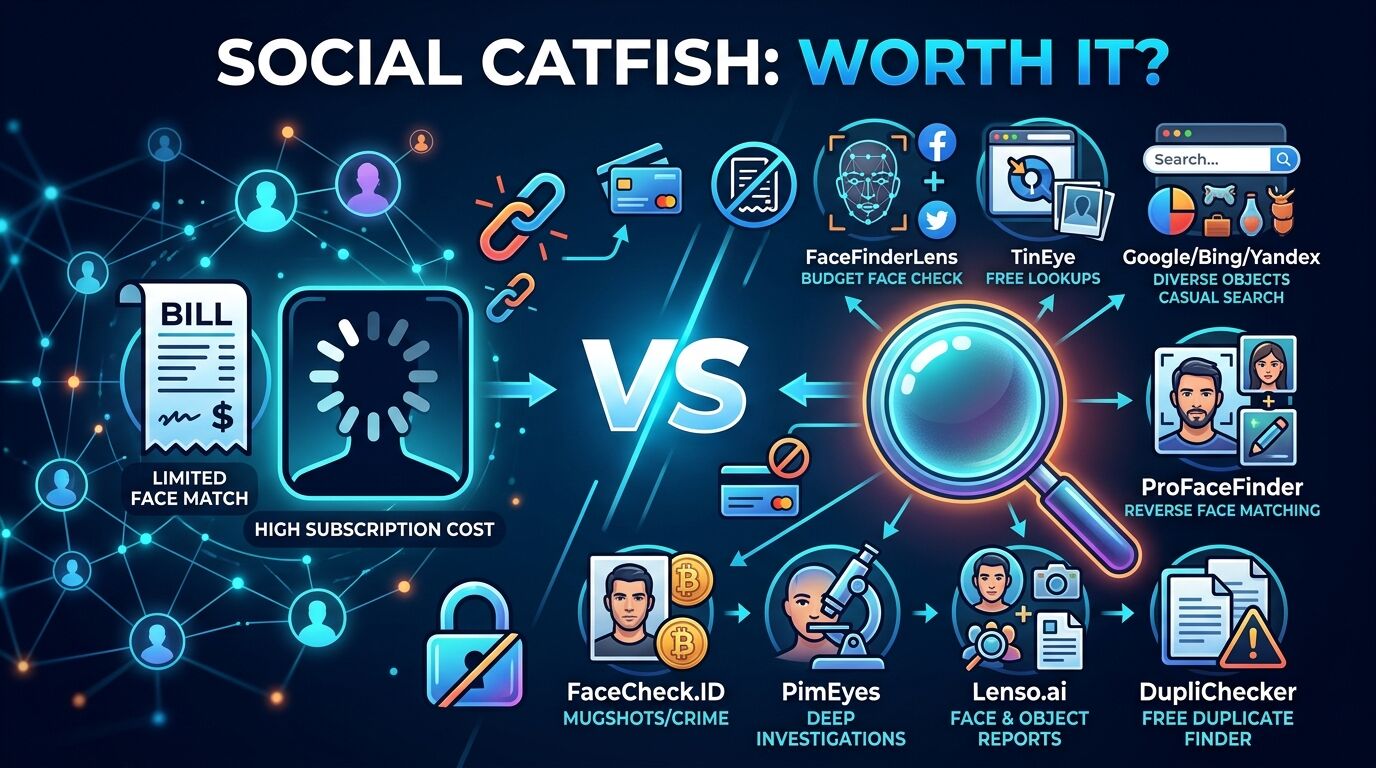
Social Catfish bundles reverse image search into a broader (and expensive) background check platform. The result: you pay subscription prices for phone-number and name searches you may not need, while the reverse photo functionality itself isn’t noticeably better than cheaper dedicated tools.

If photo verification is your primary goal, these six alternatives are faster, more affordable, and more purpose-built for the job.

Tool Best For Key Limitation Price
FaceFinderLens Fast face checks, scam detection Photo-focused (not full background reports) From $3.95
PimEyes Powerful facial recognition Expensive at higher tiers $15–$300/mo
CatfishLens Reused & edited photo detection Not full identity reports From $6.95
FaceCheck.ID Scam profiles & mugshots Crypto payments only $19–$597
Spokeo Name/phone/email identity checks No reverse image search ~$15–$20/mo
TruthFinder Deep US background reports Slow, multiple upsells ~$5–$118/mo

1. FaceFinderLens — Best First Step for Reverse Face Searching

FaceFinderLens does the core thing Social Catfish promises — verifying photos and finding fake profiles — without the subscription model. It’s a dedicated face search engine that finds matching images, profiles, and scam connections across social media, dating platforms, and public websites.

It includes AI image detection (flags photos likely generated by AI tools), handles cropped and filtered images, and returns results in seconds. No monthly billing, no hidden upsells.

What it returns:

  • Matching faces across social and dating platforms
  • Linked profiles and reused photo patterns
  • AI-generated image detection
  • Scam signals and risk connections

Pricing:

  • Standard — 3 searches for $3.95
  • Premium — 7 searches for $6.95

FACE SEARCH

Image Search

Upload a face photo to find matching profiles and appearances across the web.

Drop a photo here or click to browse

JPG · PNG · WEBP — max 10 MB

2. PimEyes — Best for Powerful Facial Recognition Results

PimEyes uses facial geometry analysis rather than simple image matching — it can find the same face in photos taken years apart, from different angles, or with significant quality differences. For cases where accuracy matters more than cost, it’s one of the strongest tools available.

The free tier shows you that results exist but hides source URLs until you pay. Getting actual links to where the photo appears requires a subscription.

Pricing: Single search $15 · Monthly plans: $30/month (75 daily lookups), $35/month (100 daily lookups), $300/month (unlimited).

Best for: High-stakes verification where you need the deepest possible facial match results and cost is secondary.

3. CatfishLens — Best at Detecting Reused & Edited Photos

CatfishLens is specifically designed to uncover photos that have been reused, edited, or recycled across different fake identities. Its facial analysis handles compressed and filtered images well, and it surfaces linked profiles and inconsistencies that other tools miss.

Pricing: $6.95 (2 searches) · $9.95 (5 searches) · additional credits available up to 50 per bundle.

Best for: Dating app verification and catching catfish specifically. Narrower focus than FaceFinderLens but strong in that niche.

4. FaceCheck.ID — Best Scam Profile & Mugshot Finder

FaceCheck.ID goes beyond photo matching — it also surfaces a photo’s digital footprint, including scam reports, mugshot records, social media profiles, and news mentions. For investigating potentially dangerous individuals, that depth is genuinely useful.

The major friction point: it only accepts cryptocurrency payments. If you’re comfortable with crypto, it’s worth considering. If not, it’s a non-starter.

Pricing: 50 lookups for $19 · up to 3,333 lookups for $597. Crypto only.

5. Spokeo — Best for Identity Checks Using Name, Phone, or Email

Spokeo is a public records aggregator — not a reverse image tool. It takes a name, phone number, email, or address as input and compiles identity data including past addresses, relatives, and contact history.

If you already have some details about a person and want to fill in the gaps, Spokeo is useful. If all you have is a photo, it can’t help — there’s no image upload feature.

Pricing: ~$14.95/month (3-month plan) or $19.95/month rolling.

Best for: Cross-referencing known identity details — not photo verification.

6. TruthFinder — Best for Detailed US Background Reports

TruthFinder compiles comprehensive background reports from public records: photos, addresses, employment history, criminal records, and online profiles. The reports are thorough, but the experience involves loading screens and multiple upsells before you reach the full result.

Like Spokeo, it doesn’t offer reverse image search — it works from names and personal details, not photos.

Pricing: Ranges from approximately $5/month to $118 depending on plan and lookup type.

Best for: Deep US background checks when you already know the person’s name — not the right tool for photo-first investigations.

Face Search vs. Background Check Tools: Which Do You Need?

Social Catfish tries to be both, which is part of why it’s expensive and sometimes frustrating. The cleaner approach is to pick the right tool for your actual question:

  • All you have is a photo → Use FaceFinderLens, PimEyes, or CatfishLens. These accept images as input and return facial matches.
  • You have a name or number and want a full profile → Use Spokeo or TruthFinder. These aggregate public records from identity data.
  • You suspect a scam and want to verify a dating profile → Start with FaceFinderLens — it’s the fastest and covers dating platforms specifically.

Using the right tool for the right job is faster, cheaper, and more accurate than paying for a platform that does everything adequately but nothing exceptionally.

Frequently Asked Questions

Does Social Catfish actually have reverse image search?

Yes, but it’s not its primary strength. Social Catfish is an aggregator platform — its photo search is one feature among many. Dedicated face search tools are faster and more accurate for photo-first lookups.

Can FaceFinderLens find someone from just a selfie?

Yes — it’s designed for exactly this use case. Upload the photo, and it searches for matching faces across social media, dating sites, and public web content. It handles imperfect images including cropped, filtered, and compressed selfies.

Which alternative works internationally?

FaceFinderLens, PimEyes, CatfishLens, and FaceCheck.ID all have meaningful international coverage. Spokeo and TruthFinder are US-focused.

Is there a free Social Catfish alternative for image search?

Google Lens and Yandex Images offer basic free reverse image search. For face-specific matching with reliable results, paid tools are substantially more accurate.

6 Best PimEyes Alternatives for Reverse Face Search (Tested & Compared)

PimEyes is technically impressive — its facial geometry analysis is among the most accurate available. But its pricing structure is steep, the free tier hides source URLs, and a monthly subscription is hard to justify unless you’re running frequent searches. Here are six alternatives worth comparing, tested across accuracy, pricing, ease of use, and coverage.

Tool Best For Free Version Pricing
FaceFinderLens Pay-per-search, social & dating coverage No From $3.95
Yandex Images Free casual face lookups Yes (unlimited) Free
TinEye Image source tracking at scale 100/day Free + from $200/mo
FaceCheck.ID Deep facial recognition + mugshots Limited $19–$597 (crypto)
Google Images Quick public figure checks Yes (unlimited) Free
Lenso.ai Beginner-friendly AI image search 10/day $20–$2,802/mo

1. FaceFinderLens — Best Pay-Per-Search PimEyes Alternative

The biggest practical advantage FaceFinderLens has over PimEyes is the pricing model. PimEyes requires a monthly subscription to unlock source URLs — meaning you’re locked into recurring billing even for occasional use. FaceFinderLens charges per lookup, with no subscription and credits that don’t expire.

It’s specifically optimized for social media and dating platform coverage — the two areas most relevant for identity verification and catfish detection. It also includes AI image detection, which PimEyes doesn’t offer.

What it returns:

  • Facial matches across social media, dating sites, and public profiles
  • Linked identities and profile connections
  • AI-generated image detection
  • Scam signals and risk flags

Pricing:

  • Standard — 3 searches for $3.95
  • Premium — 7 searches for $6.95

FACE SEARCH

Image Search

Upload a face photo to find matching profiles and appearances across the web.

Drop a photo here or click to browse

JPG · PNG · WEBP — max 10 MB

2. Yandex Images — Best Free Alternative

Yandex is consistently underrated as a face search tool. It handles blurry, filtered, and low-quality images better than Google, and often surfaces matches from Eastern European and Asian web content that other engines miss.

No signup required. Filters let you narrow by image size, orientation, file type, and specific websites. It’s the best starting point for anyone who wants to try face search before spending anything.

Pricing: Completely free.

Best for: A free first pass — especially for photos from regions where Yandex’s web index is stronger than Google’s.

3. TinEye — Best for Long-Term Image Tracking

TinEye searches over 70 billion images and is particularly strong at tracking where a specific photo has been reposted, copied, or shared across the web over time. Its filtering tools (by date, image size, domain) are more granular than most alternatives.

The critical distinction: TinEye matches images, not faces. It won’t find the same person in a different photo. Use it when you want to track a specific file’s history, not when you want to identify someone from a portrait.

Pricing: Free (100 searches/day or 300/week) · Paid API plans from $200 for 5,000 searches.

4. FaceCheck.ID — Most Accurate for Deep Facial Recognition

FaceCheck.ID delivers some of the deepest facial analysis available — its results include scam reports, mugshot records, social media profiles, and news mentions alongside standard image matches. For investigating potentially fraudulent or dangerous individuals, the depth is genuinely useful.

The barrier: cryptocurrency payments only. If you’re comfortable with that, it’s worth considering for high-stakes searches. If not, FaceFinderLens and PimEyes cover similar ground with conventional payment options.

Pricing: 50 searches for $19 · 133 for $47 · 2,000 for $197 · 3,333 for $597. Crypto only.

5. Google Images — Simplest Free Option

Google Images doesn’t use dedicated facial recognition, but its massive index makes it effective for finding photos of public figures, celebrities, and anyone with a significant web presence. Upload a photo via the camera icon in Google Search and it returns visually similar images.

It’s the right first step for casual checks — especially for prominent individuals. For private persons or photos with a limited online footprint, results are sparse.

Pricing: Free. No account required.

6. Lenso.ai — Best for Beginners

Lenso.ai organizes reverse image search results into intuitive categories — places, duplicates, similar images, and people — making it easier to interpret than raw results from tools like TinEye or PimEyes. It includes monitoring alerts for new matches and handles face, image, and copyright searches through three distinct modes.

Downsides: its database is smaller than dedicated face search engines, geographic restrictions apply in some EU regions, and the subscription-only pricing (no one-time purchase) means commitment even for occasional use.

Pricing: 10 free searches/day · $20/month (50 lookups) · $70/month (500 lookups) · $2,802/month (5,000 lookups).

How to Choose the Right PimEyes Alternative

  • Occasional personal use: FaceFinderLens — pay per lookup, no subscription, full source access on every search.
  • Free checks first: Yandex Images, then Google Images. If nothing surfaces, move to a paid tool.
  • Image source tracking (not face matching): TinEye or CopySeeker.
  • High volume or API access: PimEyes subscription or FaceCheck.ID for larger projects.
  • Beginner experience: Lenso.ai’s categorized results are the easiest to interpret.

Frequently Asked Questions

Is FaceFinderLens more accurate than PimEyes?

They use different strengths: PimEyes has strong raw facial geometry analysis across general web content. FaceFinderLens focuses specifically on social media and dating platforms, which makes it more effective for identity and catfish checks. For broader web facial matching, PimEyes has a deeper index at higher price tiers.

Which alternative is best for finding someone on dating apps?

FaceFinderLens indexes dating platforms specifically. PimEyes does not scan dating or social apps — only publicly indexed web content.

Are there genuinely free PimEyes alternatives?

Yes — Yandex Images is free and genuinely useful for face lookups. Google Lens and TinEye (100 searches/day) are also free. None match PimEyes for raw facial recognition depth, but they’re solid for casual use.

Can these tools find photos that have been altered or filtered?

FaceFinderLens, PimEyes, and FaceCheck.ID are all designed to handle edited, filtered, and compressed images. Heavily obscured faces (masks, sunglasses covering most of the face, severe blur) will reduce accuracy across all tools.