

What Is a Facebook Face Search?
Facebook has more profiles than any other network and publishes less of them than most people assume. Years of privacy tightening mean the crawlable surface is now mostly profile pictures, cover photos, public Pages, and posts deliberately set to public. That narrow surface is still enough for the check most people actually need: whether one face is running more than one account.
Worth being precise about the mechanics: this does not query Facebook directly, and no tool honestly can. It searches an index built from publicly reachable pages — which is where Facebook profile images and public posts end up once they are crawled. The same engine powers our general face search tool; this page covers what it does and does not reach on Facebook specifically.
What Is Actually Public on Facebook
Facebook's public layer has shrunk considerably. What remains is specific and worth knowing.
Profile and cover photos
Pages and public groups
Everything else is closed
The clone pattern
When a Facebook Face Search Helps
The realistic Facebook question is whether one face is being used by more than one account.
Check Whether Your Account Was Cloned
If friends report a second friend request from you, search your own profile photo. Duplicate profiles using your face are what you are looking for.
- Find duplicates using your own photo
- Collect URLs for a report to Facebook
Verify an Unexpected Friend Request
A request from someone you thought you were already connected to is the classic clone signature. Searching the photo shows whether that face already belongs to an established account.
- Compare against the original profile
- Check before accepting or replying
Check a Marketplace Seller
Before paying a deposit or arranging collection, a quick check on a seller's profile photo can reveal a borrowed or stock image behind a throwaway account.
- Pause on unverified sellers
- Pairs with checking account age
Look Into an Unsolicited Approach
Accounts that open unprompted conversations frequently run on borrowed photos. Searching the face is a low-effort first check before any personal detail is shared.
- Surfaces the same face under other names
- Do it before, not after, sharing anything
Getting a Usable Photo Off the Platform
Facebook serves profile photos at moderate resolution. A little care in capturing them helps.
- Click through to the full photoOpening the profile picture in the photo viewer gives a much larger image than the circular thumbnail on the profile header.
- Try the cover photo tooCover images are wider and often higher-resolution. If the person appears in it clearly, crop to their face and search that.
- Crop out other peopleFamily and group shots are common as profile pictures. Crop to the account holder before searching.
- Skip the heavily decorated onesFrames, overlays, and text stickers obscure facial detail. If there is a plainer photo available, use it instead.
The general rules — sharp, evenly lit, front-facing, one face per search — apply here too. They are covered in more depth on the face search guide.
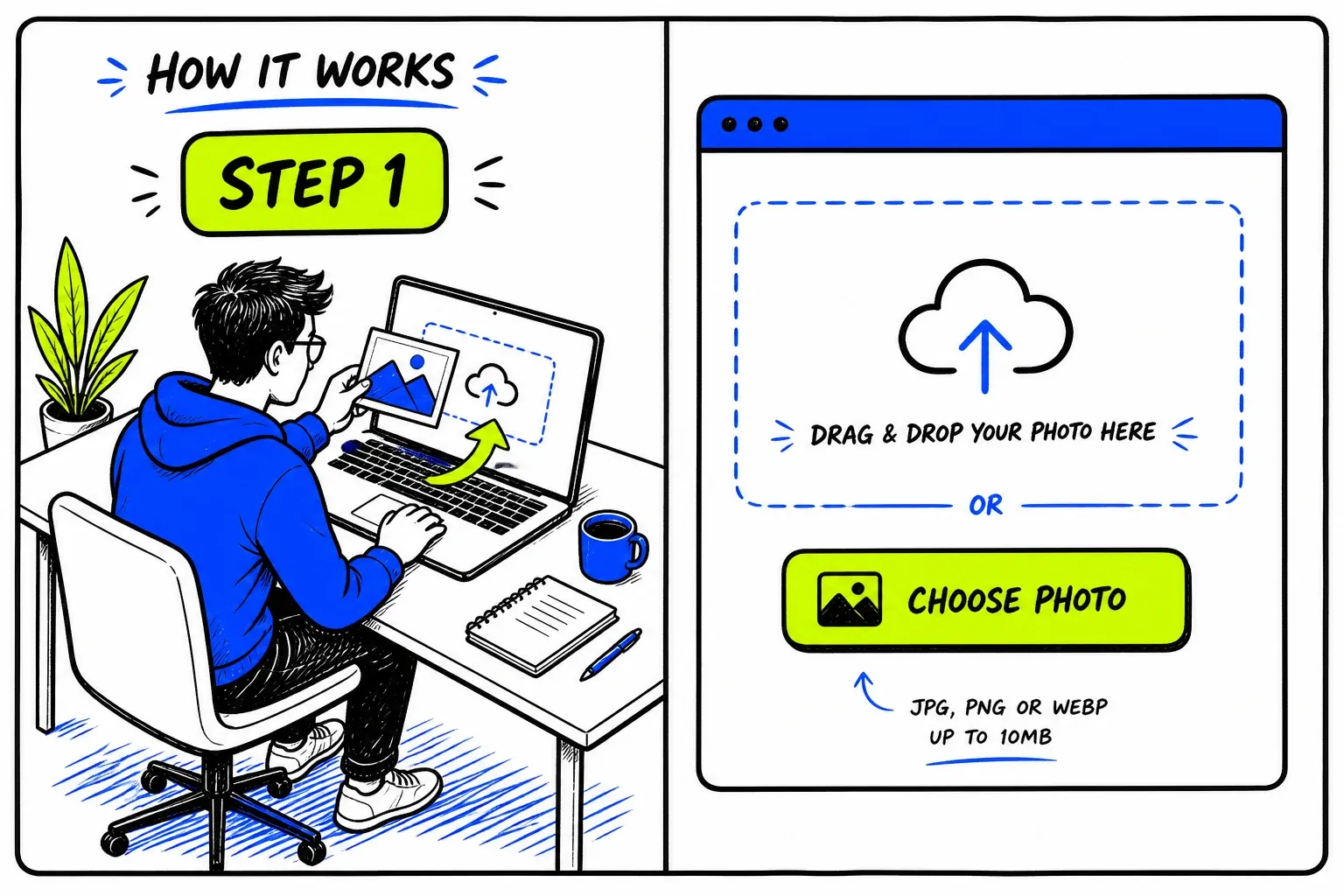
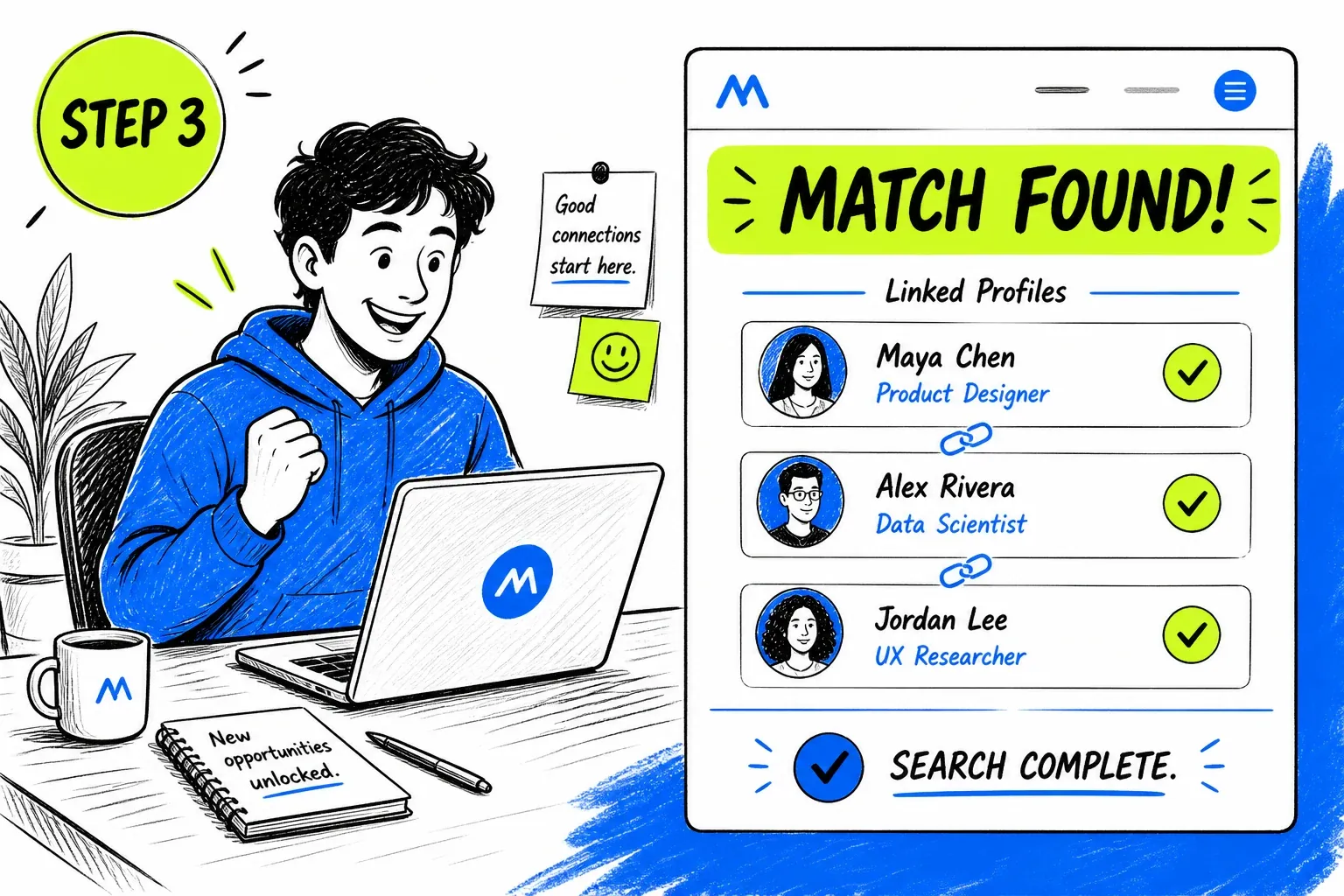
Running a Facebook Face Search Here
Good at the Duplicate Problem
Matching on facial structure rather than file identity means a cloned profile is found even when the photo was re-cropped or re-saved on the way. Each result arrives with its source page, so you can compare accounts directly instead of taking a score on faith.
- Catches re-cropped and re-saved copies
- Source link on every match

Clear About What Facebook Does Not Publish
Most of Facebook is closed, and we would rather say so than imply coverage that does not exist. What is searchable is the public layer — profile photos, cover images, Pages, public groups — and that is genuinely enough for the cloning check.
- No claims about private timelines
- One credit balance across every tool
Coverage Limits on Facebook
Facebook publishes less to the open web than any other network of its size.
- Friends-only content is invisible
- The large majority of Facebook photos are restricted to friends and reach no index at all.
- Tagged photos are not searchable
- Photos of a person posted by others are governed by those accounts' privacy settings, and are almost never public.
- Profile photos are often not faces
- Pets, children, cars, and landscapes are common profile pictures. If there is no face in the image, there is nothing to measure.
- Common names complicate verification
- A matching face on a page with a different common name may be coincidence rather than evidence. Read the surrounding context.
- A clone may postdate the index
- A cloned account created days ago may not have been crawled yet, so an empty result does not rule cloning out.
- Report rather than confront
- If you find a duplicate profile, report it through Facebook and warn your contacts. Approaching the account directly rarely helps.
Privacy and Responsible Use
This searches material that is already public. It does not access Facebook accounts, friends-only posts, private albums, or Messenger, and it cannot retrieve anything the platform does not publish openly.
Your uploaded photo is passed to our search provider to run the query and removed from our servers immediately afterwards. Searches are not published, and no notification reaches anyone.
Facebook profiles frequently include family and children who never chose a public presence. If a photo contains people other than your subject, crop before you search, and leave the rest out of it.
Before you search
- Only upload photos you have the right to use.
- Have a reason you would be comfortable stating out loud.
- Treat every match as a lead to check, never as a confirmed fact.
- Never use results to contact, follow, pressure, or expose someone.
- Do not use this tool for employment, credit, housing, or insurance screening — it is not a consumer reporting agency.
- Report impersonation to Facebook through their own reporting flow rather than acting on it yourself.
Frequently asked questions
Can you search Facebook by face?
Not inside Facebook — the platform removed its face-based search years ago and provides no equivalent. What you can search is Facebook's public layer as it appears in a web index: profile pictures, cover photos, Pages, and public group content.
How do I find out if someone cloned my Facebook profile?
Search your own profile photo and look for results pointing at accounts you do not control. Cloning is the most common Facebook-specific problem this check catches, because profile pictures are public by default and trivially copied.
Can I find someone's Facebook profile from a photo?
Sometimes — if their profile picture is public and has been crawled. Many accounts use non-face images or restrict what is visible, and much of Facebook never reaches an index at all, so results are less consistent than on image-first platforms.
Does this search private Facebook photos?
No, and nothing can. Friends-only and private content is never published to the open web, so it cannot be indexed or searched by any tool.
Will Facebook tell them I searched?
No. The search does not visit their profile or interact with Facebook in any way.
Where to Go Next
One index sits behind all of these — the difference is the question you are asking of it.
Guides & resources
Read in-depth guides that match this tool — tips, statistics, and step-by-step walkthroughs.