

Tinder Reverse Image Search — Spot Fake Tinder Profiles Before You Connect
Tinder is the world's most popular dating app — and one of the most common platforms for catfishing and romance scams. Fake Tinder profiles almost always use stolen photos: images taken from Instagram models, fitness influencers, military personnel, or even random public accounts. FaceFinderLens Tinder reverse image search uses AI face recognition to find every other place a Tinder profile photo appears online — revealing fake identities, name mismatches, and stolen pictures in seconds. Screenshot the profile, upload the photo, and know the truth before you share anything personal.
Tinder Reverse Image Search Use Cases
A 30-second Tinder photo check that could save you from weeks of heartbreak — or thousands of dollars.
Verify a Tinder Match Before You Chat
Before investing time in a match, screenshot their profile photo and run a reverse image search. If the face appears under a different name on another platform, the match isn't who they claim to be.
- Works with any Tinder profile screenshot
- Results in seconds — no app login required
Catch Tinder Catfishers
Catfishers on Tinder steal photos from public accounts and create fake personas. A Tinder reverse image search surfaces the original source of the photo and every other account using the same face.
- Identify stolen Instagram and model photos
- Surface linked fake accounts immediately
Spot Romance Scammers Early
Romance scammers use Tinder to build fake relationships and eventually ask for money, gift cards, or personal financial information. Checking the profile photo is the first and fastest line of defense.
- Detect recycled scammer photos
- Protect yourself before financial harm occurs
Before Your First Date
Meeting someone from Tinder in person? First confirm the person in the photos is genuine by running a reverse image search. A confirmed match elsewhere under a different name is a red flag to take seriously.
- Confirm photos match claimed identity
- Reduce personal safety risk before meeting
Report Fake Tinder Profiles
Tinder's abuse reporting system is more effective when you include evidence. A reverse image search provides direct URLs showing where the stolen photo originally appeared — documentation Tinder's trust team can act on faster.
- Source URLs for Tinder abuse reports
- Protect others by reporting with evidence
Verify Super Likes and Unsolicited Matches
Unsolicited Super Likes from highly attractive profiles are a known catfish and bot tactic on Tinder. A quick photo check before engaging can save you from a carefully engineered scam.
- Check profiles that seem too good to be true
- Identify bot and fake account photo patterns
Why FaceFinderLens for Tinder Reverse Image Search
Verify Tinder Matches With a Real Photo Check
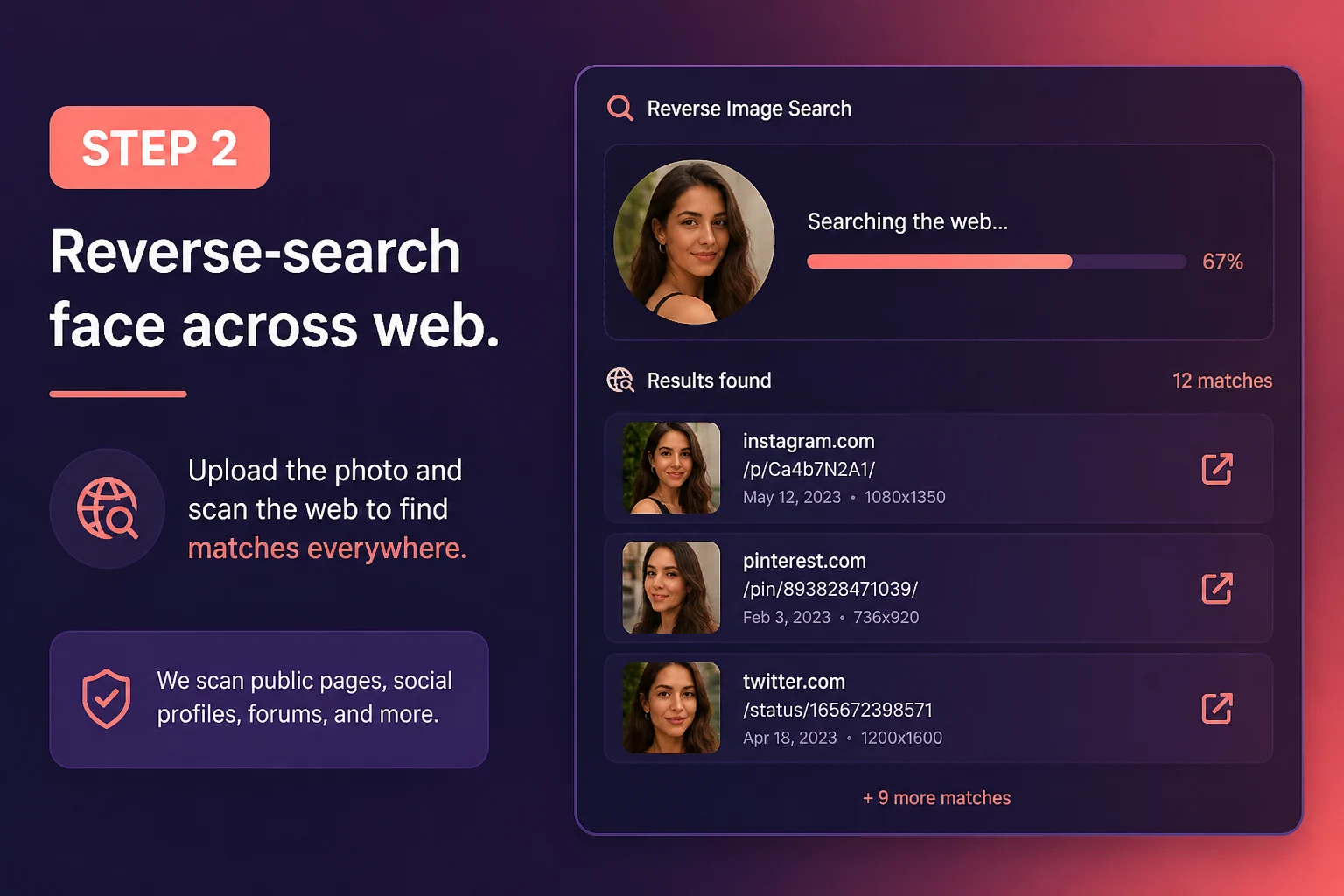
Tinder doesn't offer reverse image search — and scammers know that. Upload a screenshot or cropped profile photo and see every other public place that face appears online. If your match's photo shows up under a different name on another site, that's one of the strongest catfish indicators you can get before meeting in person.
- Works with cropped and filtered Tinder photos
- Private search — your match is never notified
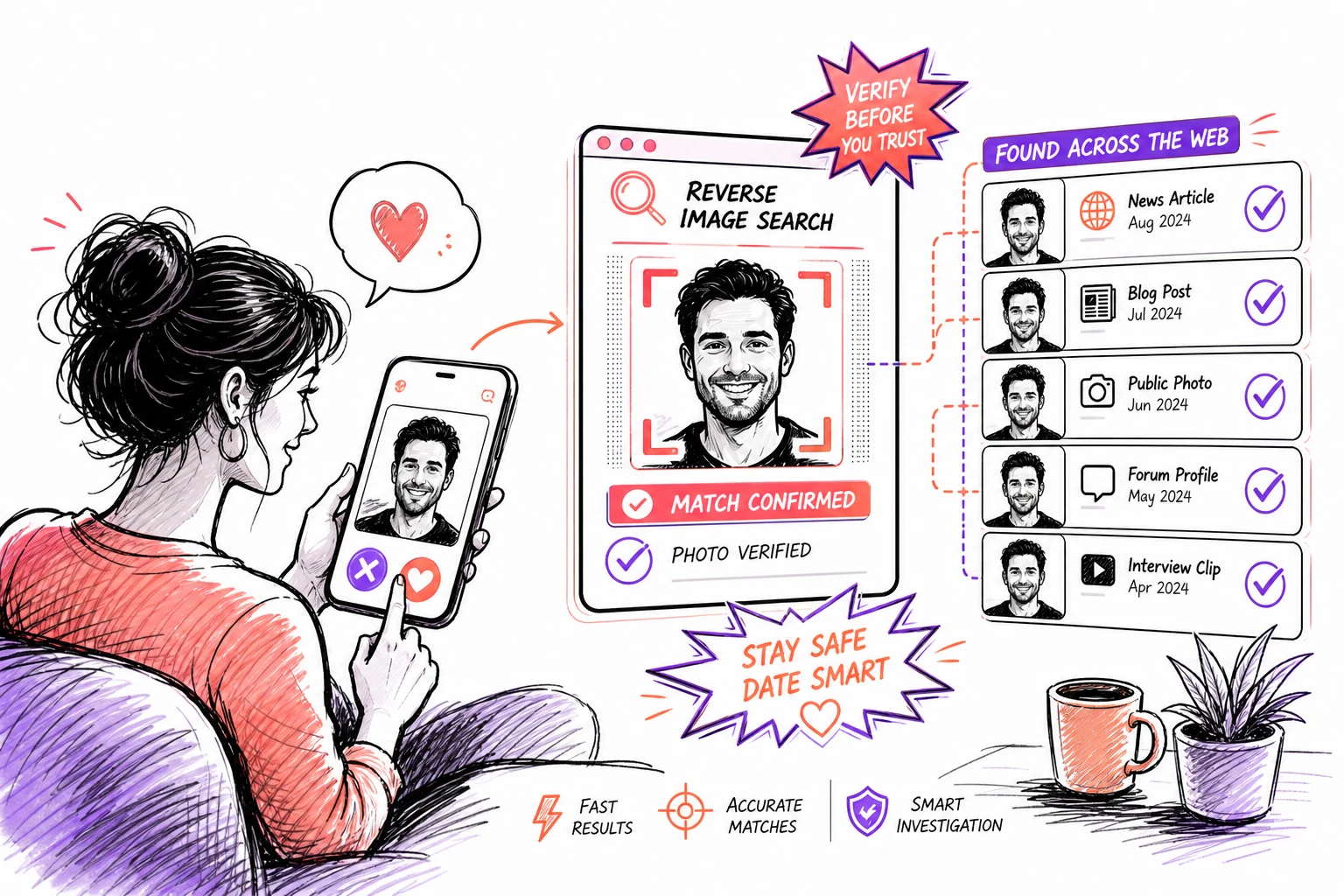
Beyond the Swipe — Know Who You're Talking To
Attractive photos attract matches — but they also attract scammers using stolen headshots. Tinder reverse image search helps you separate genuine profiles from recycled fraud photos, military impersonators, and influencer image theft before you move to WhatsApp, send money, or agree to meet.
- Direct links to matching source pages
- Same credits work across all FaceFinderLens tools
Frequently asked questions
How do I reverse image search a Tinder profile?
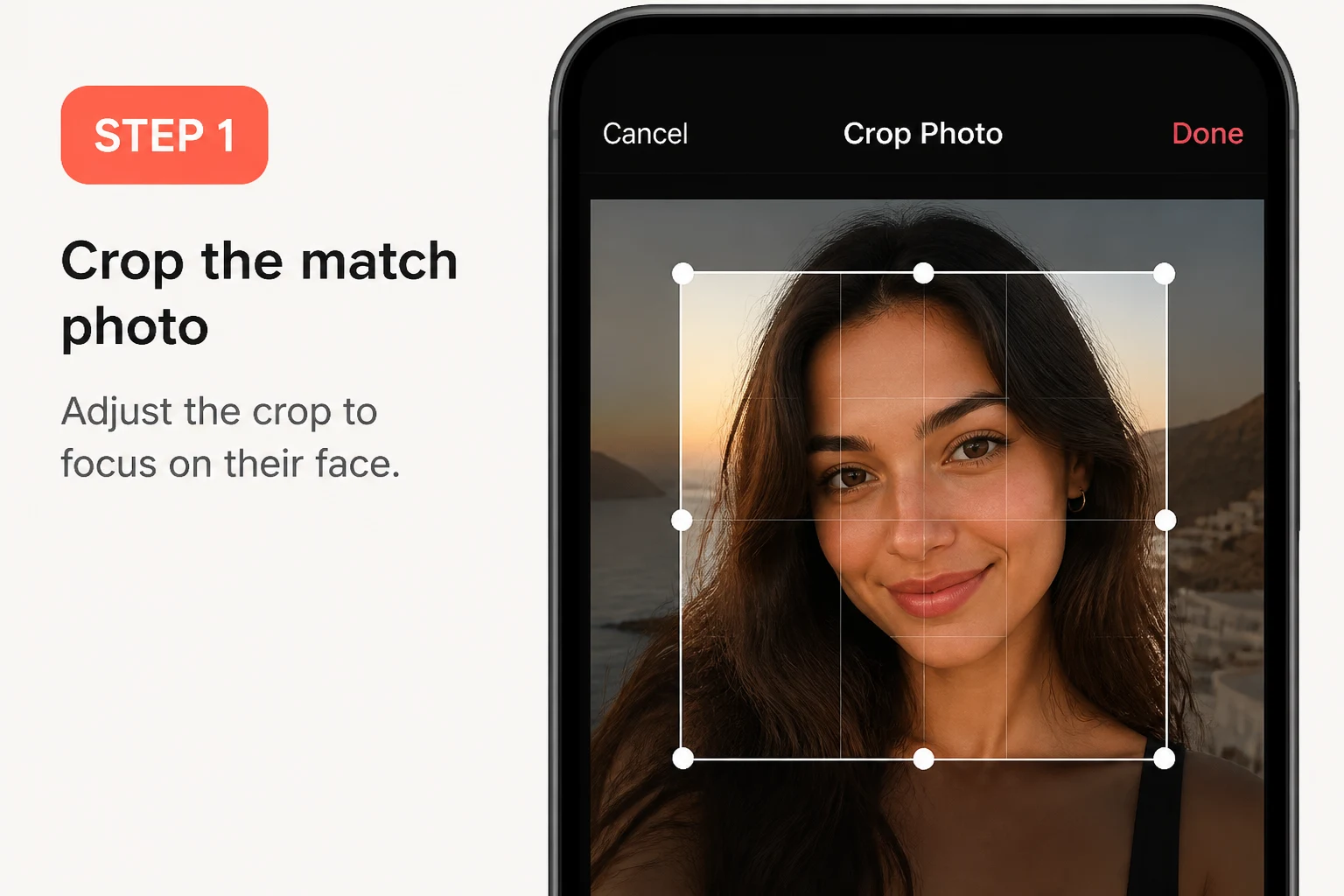
Screenshot the Tinder profile photo, then upload the screenshot on this page. FaceFinderLens's AI scans publicly indexed sources for other appearances of the same face. If the photo is stolen, it's likely to surface under a different name elsewhere online.
Can I reverse image search on Tinder directly?
Tinder doesn't have a built-in reverse image search. You need to save or screenshot the profile photo and upload it to a reverse image search tool like FaceFinderLens. Our AI then scans public sources to find other appearances of that face.
What if the Tinder photo has been cropped or filtered?
FaceFinderLens uses AI face recognition rather than pixel matching, so it can identify the same face even when a photo has been cropped, filtered, or lightly edited. For best results, crop the screenshot to focus clearly on the face before uploading.
Will a Tinder match know I searched their photo?
No. Reverse image searches are completely anonymous. Your search is private and the person whose photo you uploaded has no way of knowing you ran a check.
What are signs of a fake Tinder profile beyond the photo?
Common red flags include: very few photos, no linked Instagram or Spotify, immediate requests to move to WhatsApp or Telegram, unusually attractive or professionally shot photos, overly generic bio, and rapid emotional escalation or requests for money. Always combine a photo check with other red-flag awareness.
Guides & resources
Read in-depth guides that match this tool — tips, statistics, and step-by-step walkthroughs.