
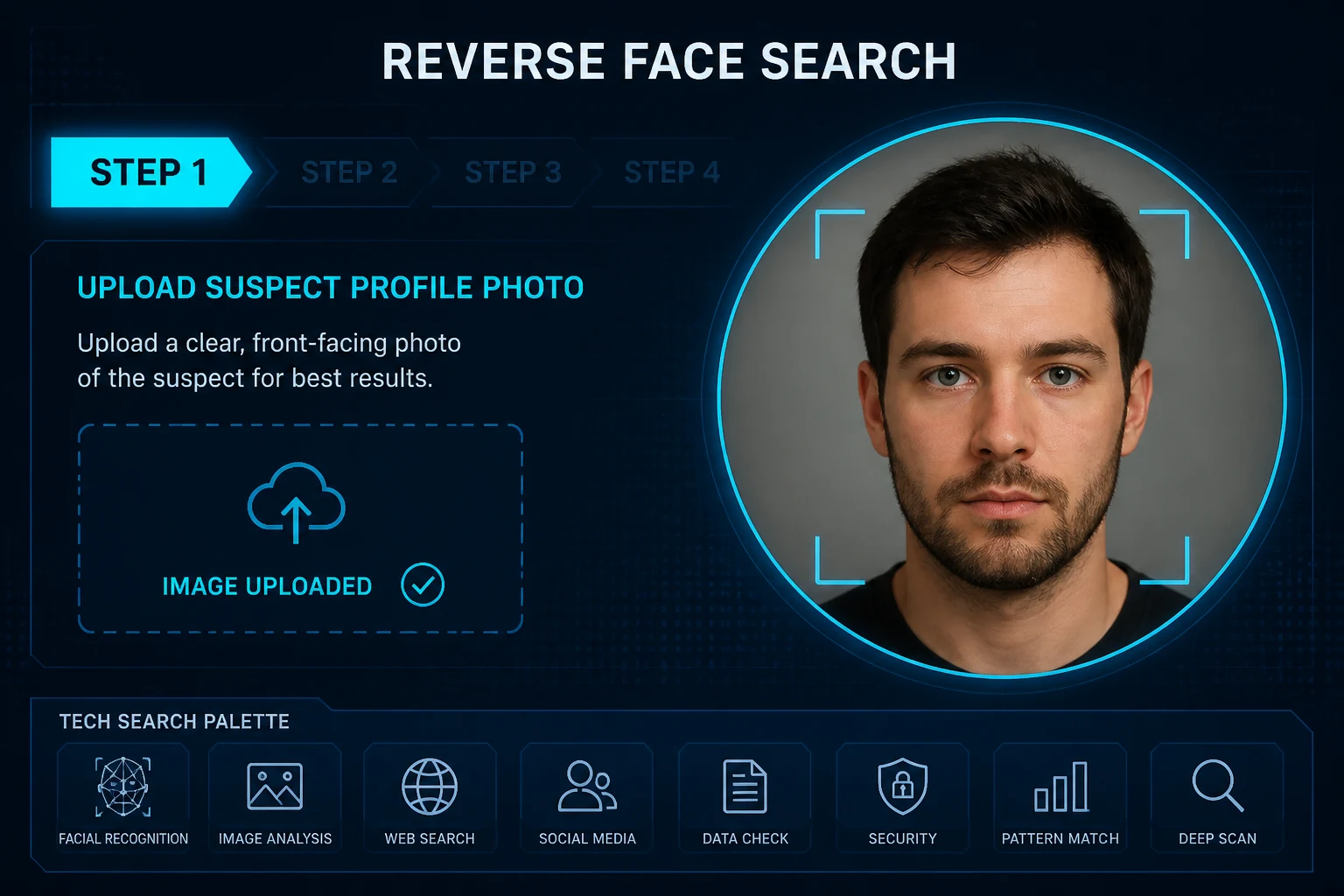
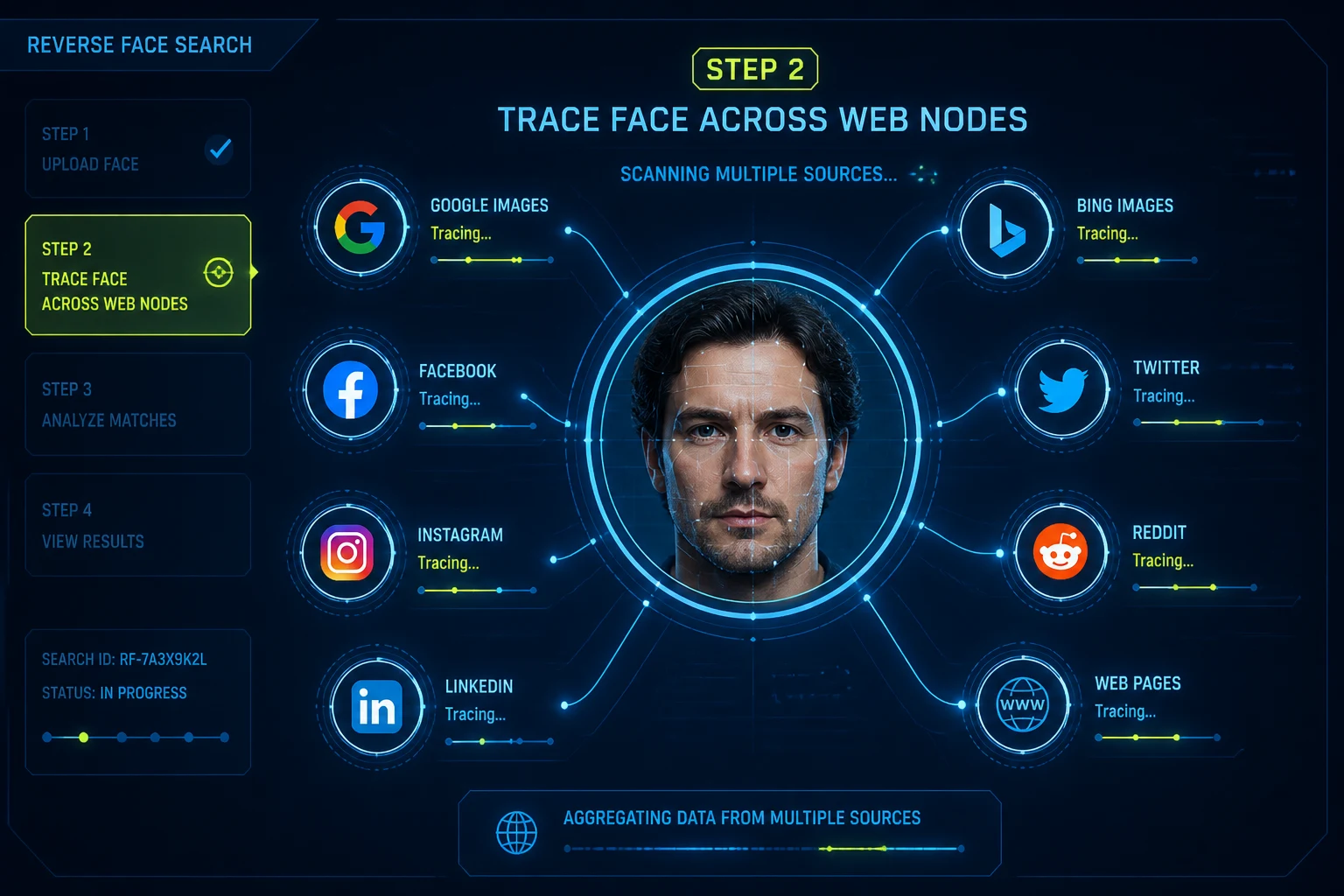
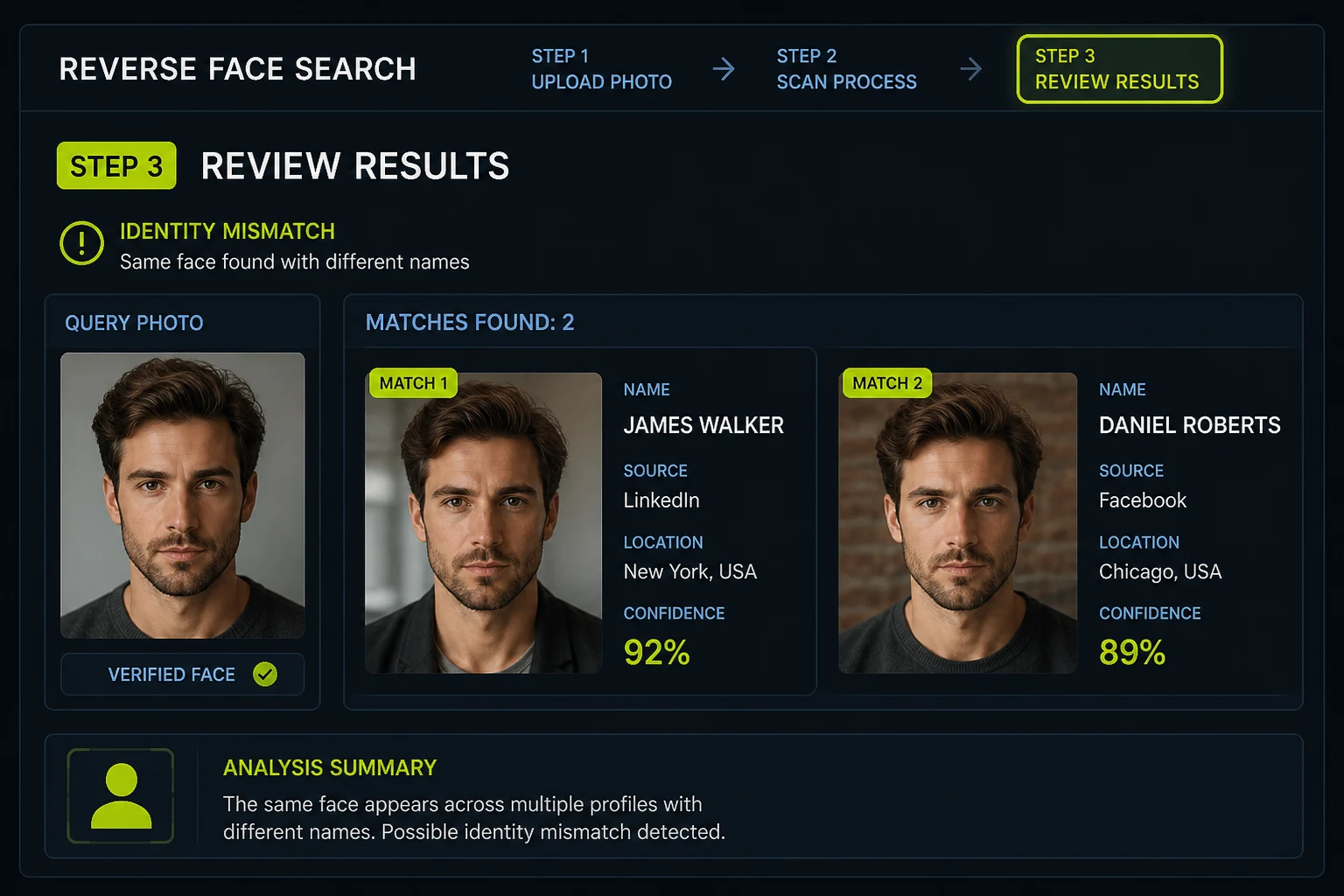
What Makes a Reverse Face Search Different
A normal reverse image search asks "where else does this picture appear?" A reverse face search asks "where else does this face appear?" The second question is much harder. It needs a facial recognition model that can recognise the same person in a new photo, taken on a different day, in different light, from a different angle, and it needs an index of public images in which every face has already been measured.
This page covers the engine itself: how the matching works, how it compares with general image engines, and how to read the scores it returns. For a plain-language overview of the method, read what face search is. If your goal is to put a name to a face, start with finding a person by photo.
How a Facial Recognition Search Engine Works
Every reverse face search runs the same four stages, whichever engine you use. Knowing them makes it clear why some photos work well and others return nothing.
1. Face detection
2. Alignment and embedding
3. Index lookup
4. Ranking by distance
When a Reverse Face Search Beats Other Tools
Reach for facial recognition search when the photo you have is not the photo that is online.
The Photo Has Been Edited or Cropped
Filters, mirroring, new backgrounds and tight crops break file-level matching. A face embedding usually survives them, because the geometry of the face has not changed.
- Works on screenshots of a profile
- Tolerates compression and resizing
You Need Other Photos of the Same Face
An image engine finds copies of one picture. A face engine can surface completely different photos of the same person, such as an older profile picture or a group photo on another site.
- Finds separate photoshoots and candid shots
- Connects accounts that never reused a file
General Image Engines Returned Nothing
General-purpose engines focus on objects, products and exact copies, and most of them deliberately avoid matching faces of private people. When they come back empty, a dedicated face engine is the next step.
- Built for faces, not objects
- Searches an index of measured faces
Monitoring Your Own Face Online
Search a clear photo of yourself to find pages that publish your face, including reposts where the original file was altered so it would not match a normal image search.
- Catches edited reposts of your photos
- Gives you URLs for removal requests
Facial Recognition Search vs General Image Search Engines
| Reverse face search | General image search engines | |
|---|---|---|
| What is indexed | Faces found in public images, stored as face embeddings. | Whole images, objects, text and landmarks. |
| Same person, different photo | Designed for it: this is the core use. | Rarely. Results are mostly copies or look-alike scenes. |
| Faces of private people | Matched if the face appears on a publicly reachable page. | Often filtered out on purpose for privacy reasons. |
| Output | Ranked matches with a similarity score and source link. | Visually similar images, shopping results and pages with the same file. |
| Cost | Usually paid per search, because face indexes are expensive to build. | Usually free. |
Why FaceFinderLens for Reverse Face Search
Trace a Face Back to Every Online Appearance
Reverse face search starts with any photo — a profile picture, news image, or chat screenshot — and works backward to find every public page where that face appears. Investigators, journalists, and everyday users rely on it to expose fake identities, find original sources, and verify who is really in a picture.
- Handles cropped, filtered, and resized photos
- Billions of indexed public images searched
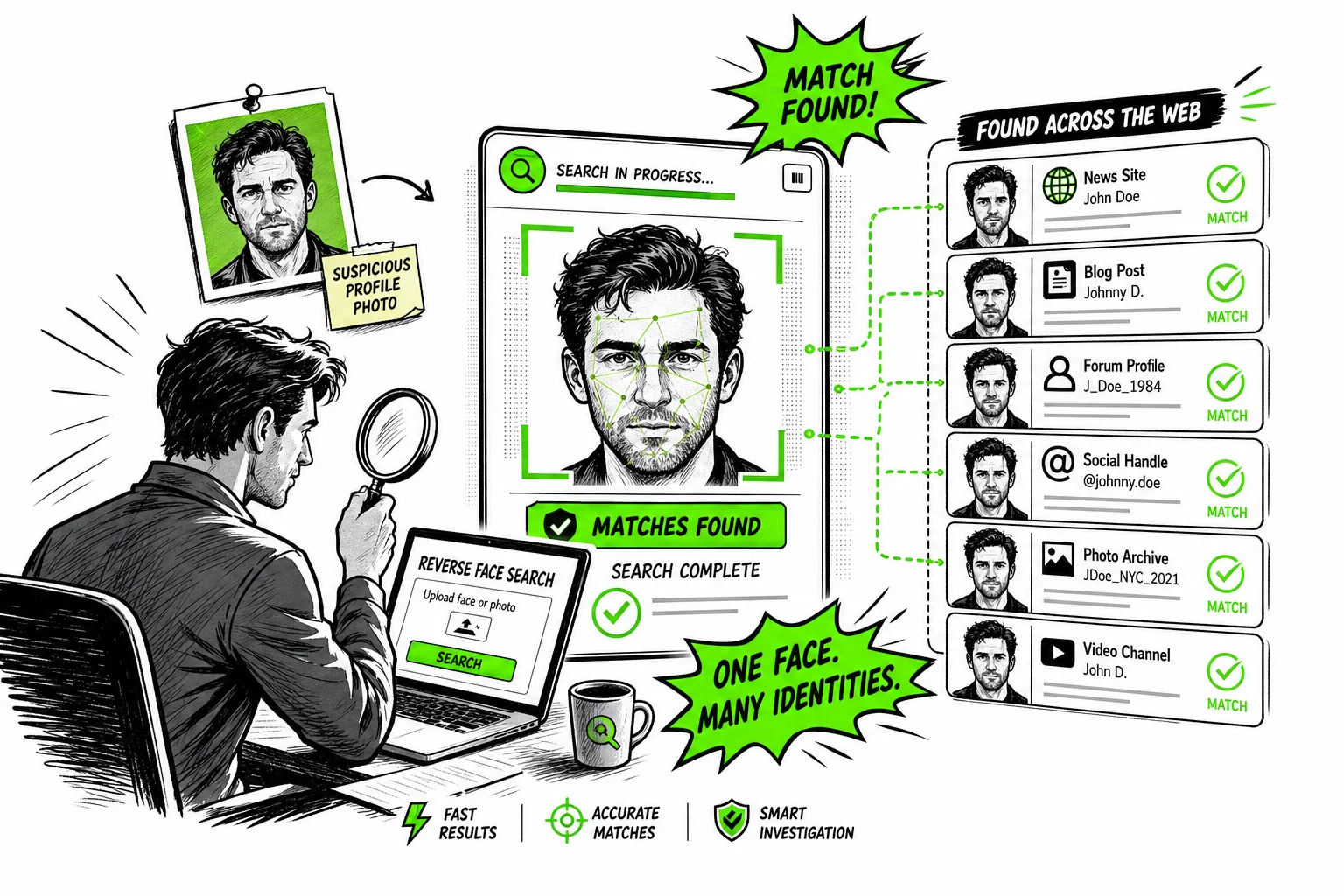
More Than Pixel Matching
Standard reverse image search compares visual pixels. Reverse face search identifies the same person even when lighting, angle, or background change — because it analyzes facial structure. That makes it far more effective for catching catfishers and tracing stolen profile photos.
- Confidence scores on every match
- Private, anonymous searches
How to Read Reverse Face Search Scores
A similarity score measures how close two faces are. It does not measure how likely it is that they belong to the same person, and the difference matters.
- Read the top matches first
- Matches are sorted by score. Work down the list and stop when the thumbnails clearly stop looking like the person.
- Look for clusters
- Several independent pages showing the same face under the same name is far stronger evidence than a single high score.
- Discount relatives and look-alikes
- Siblings, parents and people with similar features can score surprisingly high. Check ears, hairline, moles and other details the model may not weigh heavily.
- Weigh the photo you uploaded
- A blurry, dark or angled upload lowers every score and raises the share of false positives. Rerun with a better photo before drawing conclusions.
Frequently asked questions
What is a reverse face search?
A reverse face search is a search where you upload a face and a facial recognition engine looks for the same face in an index of public images. Unlike a normal reverse image search, it can find different photos of the same person, not just copies of the photo you uploaded.
Is there a free reverse face search?
General image engines are free, but most of them avoid matching faces of private people. Dedicated facial recognition search engines usually charge per search because building and updating a face index is expensive. On FaceFinderLens you can start a search for free and use one credit to see the matches.
Does Google have a reverse face search?
Google Lens can find copies of a photo and pages about well-known people, but it is not built to find other photos of a private person from their face. For that you need a dedicated facial recognition search engine.
How accurate is facial recognition search?
With a sharp, front-facing photo, the top matches are often correct, but no engine is perfect. Accuracy drops with blur, poor lighting, strong angles, sunglasses, large age gaps and people who look alike. Treat every match as a lead to check, not as proof.
Can a reverse face search find someone with no social media?
Only if their face appears somewhere public, such as a news article, a company website, an event gallery or someone else's public post. Faces that exist only on private accounts or in messaging apps are not in any public index.
What happens to the photo I upload?
The photo is sent to our search provider to run the query and is removed from our servers once it has been passed on. The person in the photo is not notified, and your searches are not published.
Related Tools
Pick the tool that matches the question you are actually asking.
Guides & resources
Read in-depth guides that match this tool — tips, statistics, and step-by-step walkthroughs.