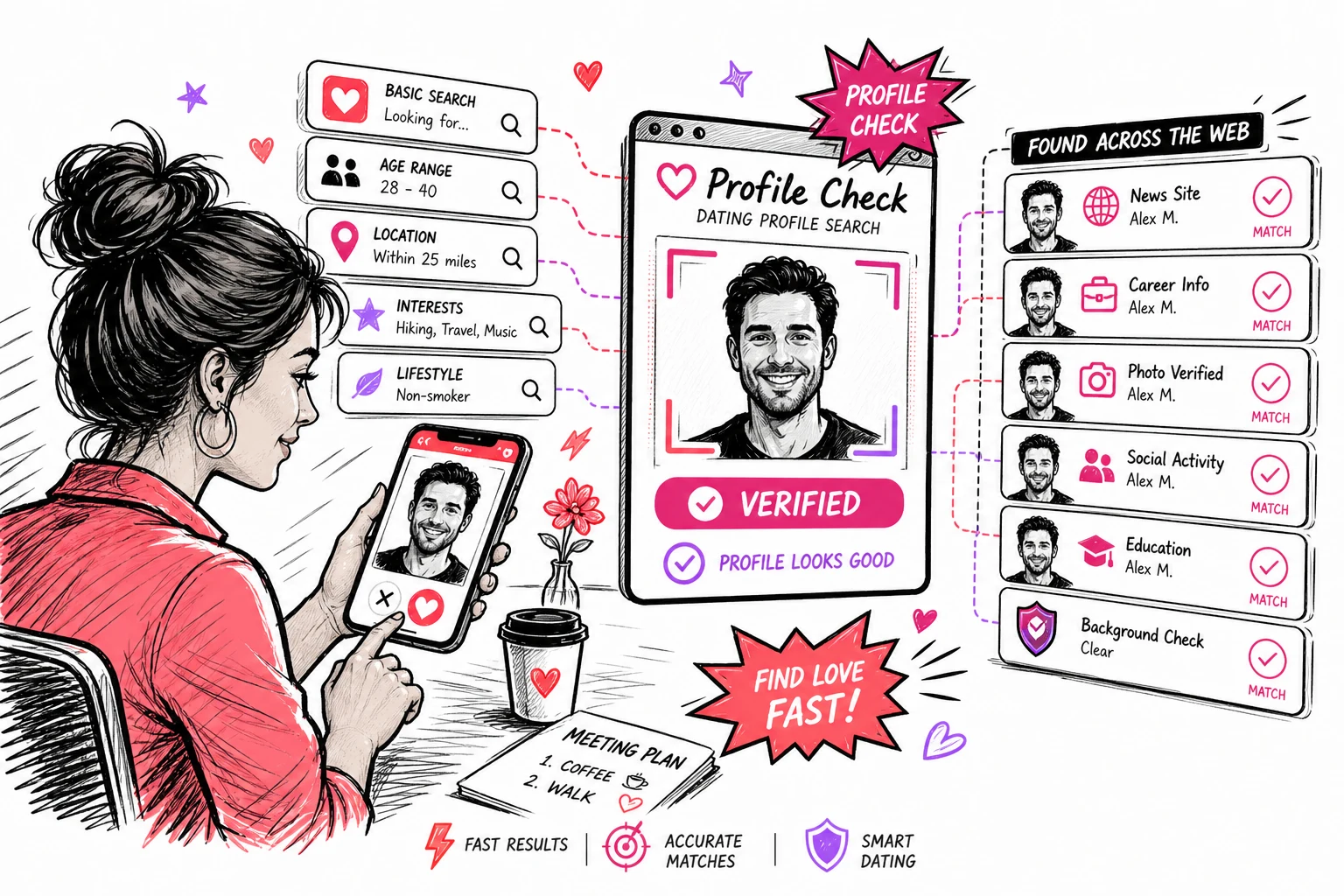

PimEyes is technically impressive — its facial geometry analysis is among the most accurate available. But its pricing structure is steep, the free tier hides source URLs, and a monthly subscription is hard to justify unless you’re running frequent searches. Here are six alternatives worth comparing, tested across accuracy, pricing, ease of use, and coverage.
| Tool | Best For | Free Version | Pricing |
|---|---|---|---|
| FaceFinderLens | Pay-per-search, social & dating coverage | No | From $3.95 |
| Yandex Images | Free casual face lookups | Yes (unlimited) | Free |
| TinEye | Image source tracking at scale | 100/day | Free + from $200/mo |
| FaceCheck.ID | Deep facial recognition + mugshots | Limited | $19–$597 (crypto) |
| Google Images | Quick public figure checks | Yes (unlimited) | Free |
| Lenso.ai | Beginner-friendly AI image search | 10/day | $20–$2,802/mo |
1. FaceFinderLens — Best Pay-Per-Search PimEyes Alternative
The biggest practical advantage FaceFinderLens has over PimEyes is the pricing model. PimEyes requires a monthly subscription to unlock source URLs — meaning you’re locked into recurring billing even for occasional use. FaceFinderLens charges per lookup, with no subscription and credits that don’t expire.
It’s specifically optimized for social media and dating platform coverage — the two areas most relevant for identity verification and catfish detection. It also includes AI image detection, which PimEyes doesn’t offer.
What it returns:
- Facial matches across social media, dating sites, and public profiles
- Linked identities and profile connections
- AI-generated image detection
- Scam signals and risk flags
Pricing:
- Standard — 3 searches for $3.95
- Premium — 7 searches for $6.95
2. Yandex Images — Best Free Alternative
Yandex is consistently underrated as a face search tool. It handles blurry, filtered, and low-quality images better than Google, and often surfaces matches from Eastern European and Asian web content that other engines miss.
No signup required. Filters let you narrow by image size, orientation, file type, and specific websites. It’s the best starting point for anyone who wants to try face search before spending anything.
Pricing: Completely free.
Best for: A free first pass — especially for photos from regions where Yandex’s web index is stronger than Google’s.
3. TinEye — Best for Long-Term Image Tracking
TinEye searches over 70 billion images and is particularly strong at tracking where a specific photo has been reposted, copied, or shared across the web over time. Its filtering tools (by date, image size, domain) are more granular than most alternatives.
The critical distinction: TinEye matches images, not faces. It won’t find the same person in a different photo. Use it when you want to track a specific file’s history, not when you want to identify someone from a portrait.
Pricing: Free (100 searches/day or 300/week) · Paid API plans from $200 for 5,000 searches.
4. FaceCheck.ID — Most Accurate for Deep Facial Recognition
FaceCheck.ID delivers some of the deepest facial analysis available — its results include scam reports, mugshot records, social media profiles, and news mentions alongside standard image matches. For investigating potentially fraudulent or dangerous individuals, the depth is genuinely useful.
The barrier: cryptocurrency payments only. If you’re comfortable with that, it’s worth considering for high-stakes searches. If not, FaceFinderLens and PimEyes cover similar ground with conventional payment options.
Pricing: 50 searches for $19 · 133 for $47 · 2,000 for $197 · 3,333 for $597. Crypto only.
5. Google Images — Simplest Free Option
Google Images doesn’t use dedicated facial recognition, but its massive index makes it effective for finding photos of public figures, celebrities, and anyone with a significant web presence. Upload a photo via the camera icon in Google Search and it returns visually similar images.
It’s the right first step for casual checks — especially for prominent individuals. For private persons or photos with a limited online footprint, results are sparse.
Pricing: Free. No account required.
6. Lenso.ai — Best for Beginners
Lenso.ai organizes reverse image search results into intuitive categories — places, duplicates, similar images, and people — making it easier to interpret than raw results from tools like TinEye or PimEyes. It includes monitoring alerts for new matches and handles face, image, and copyright searches through three distinct modes.
Downsides: its database is smaller than dedicated face search engines, geographic restrictions apply in some EU regions, and the subscription-only pricing (no one-time purchase) means commitment even for occasional use.
Pricing: 10 free searches/day · $20/month (50 lookups) · $70/month (500 lookups) · $2,802/month (5,000 lookups).
Is There a Free PimEyes Alternative?
This is the question behind most searches for sites like PimEyes, so it is worth answering plainly: yes for a first pass, no for depth.
- Genuinely free and unlimited: Yandex Images and Google Images. Neither is a dedicated face engine, but Yandex in particular surfaces face matches that Google misses, and both cost nothing.
- Free with a daily cap: TinEye (100/day) and Lenso.ai (10/day). TinEye matches the file rather than the face, so it finds reposts of the same photo, not the same person in a different photo.
- Free preview, paid results: most dedicated face search engines, including this one and PimEyes itself. You can see that matches exist for nothing; seeing where they are is the paid part.
The honest summary: run the free engines first. If the face is fairly public, they will find it. If they come back empty and you still need an answer, that is the point at which a per-search tool earns its money — and where the subscription model stops making sense for anyone running a handful of searches a year.
Sites Like PimEyes, Ranked by What You Actually Need
- “I have one photo and want to know who it is.” A dedicated face engine: FaceFinderLens or FaceCheck.ID.
- “I want to know if these two photos are the same person.” Neither — that is a face comparison, and it is free.
- “Someone is using my photos.” TinEye for file-level reposts, then a face engine for altered copies.
- “I think I am being catfished.” Start with a catfish reverse image search on the profile picture.
How to Choose the Right PimEyes Alternative
- Occasional personal use: FaceFinderLens — pay per lookup, no subscription, full source access on every search.
- Free checks first: Yandex Images, then Google Images. If nothing surfaces, move to a paid tool.
- Image source tracking (not face matching): TinEye or CopySeeker.
- High volume or API access: PimEyes subscription or FaceCheck.ID for larger projects.
- Beginner experience: Lenso.ai’s categorized results are the easiest to interpret.