
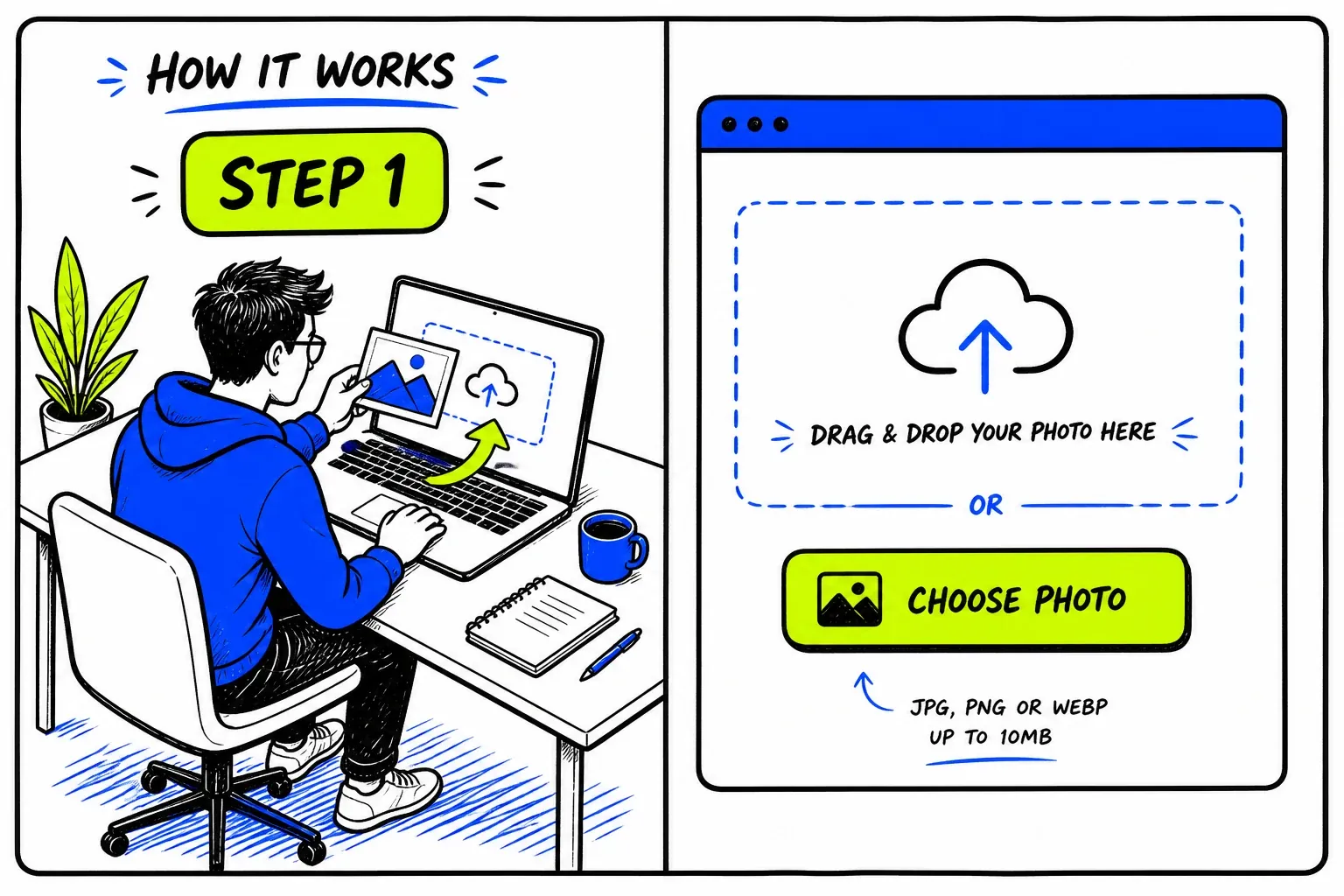
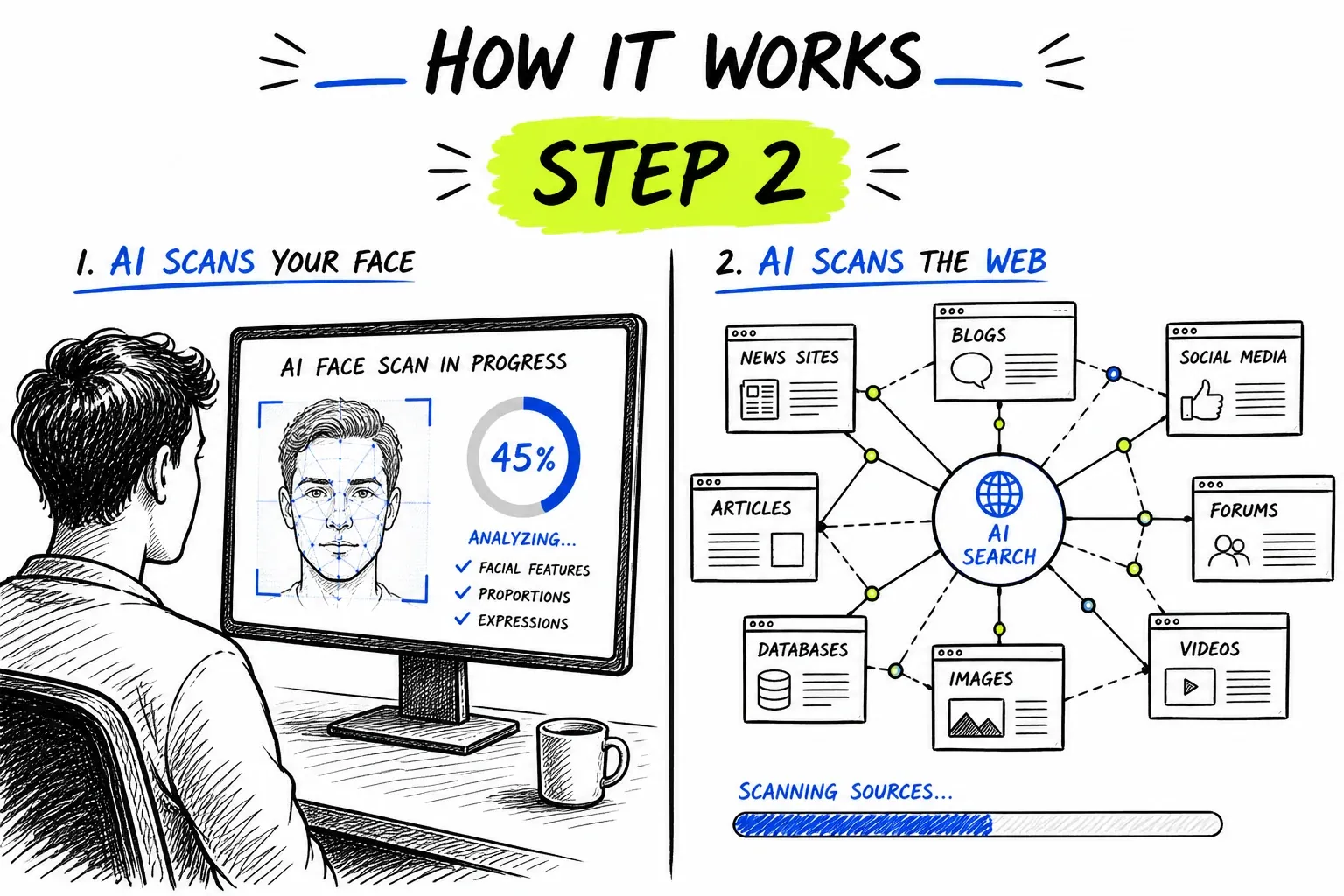
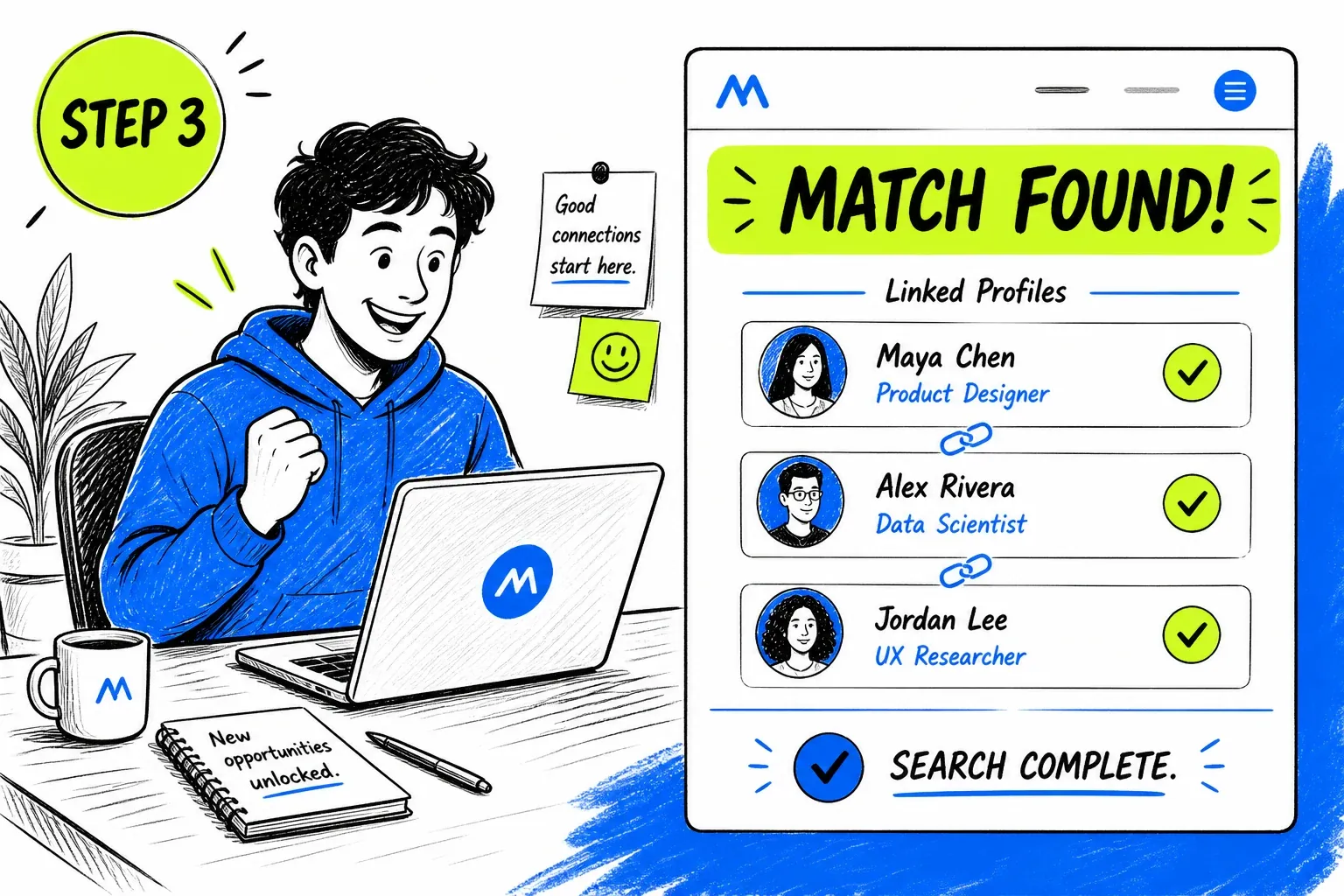
What Is a Threads Face Search?
Threads is a public, text-first network, and replies under big accounts are a favourite spot for scams. Profiles are open and tend to reuse the Instagram photo, which means a borrowed face is easy to place. A face search takes the picture on a suspicious profile and asks whether it belongs to a stranger elsewhere on the public web.
To be precise about the mechanics: nothing here queries Threads. The search runs against an index built from publicly reachable pages and asks whether the face in your photo already appears in it. The same engine powers our general face search tool.
What Is Public on Threads
More than most messaging apps, less than a full directory.
Profiles are public by default
Tied to Instagram
Replies are the battleground
Indexing is partial
When a Threads Face Search Helps
Threads moves fast and reply sections reward whoever shows up first, which scammers exploit.
Reply-Section Investment “Advisors”
Accounts reply under finance posts offering tips and then move people to a private chat. Their headshot is the credential on show.
- Check before moving the conversation anywhere
- Stock portraits surface immediately
Giveaway and Support Impersonators
Fake “support” or giveaway accounts copy a brand’s look. A face that belongs to another person exposes the copy.
- Real brands do not ask you to DM first
- Verify through the brand’s own site
Newly Created Followers
A sudden run of attractive new followers with few posts is a familiar bait pattern. Checking one photo tells you whether the rest are the same.
- Same face under several names is the tell
- Do not click their link-in-bio
Check a Creator Before Collaborating
Brands and creators vet each other before a deal. A quick check confirms the face matches the claimed identity.
- Compare against the person’s other channels
- Look for a verified route first
Getting a Usable Photo From Threads
Profile pictures are small circles. Open them first.
- Tap the avatar to enlargeOpen the profile picture full-size instead of using the reply thumbnail.
- Screenshot, then cropRemove the interface and keep head and shoulders.
- Check the Instagram twinThe linked Instagram profile often has larger photos of the same face.
- Use posted photosPictures they have posted are usually sharper than the avatar.
The general rules — sharp, evenly lit, front-facing, one face per search — apply here too. They are covered on the face search guide.
Running a Threads Face Search Here
Aimed at the Check Before the Click
Threads checks usually happen with a link or a private chat about to open. Results come back as source pages with similarity scores, so a stock-library or wrong-name match is something you can act on at once.
- Direct link to every matching page
- Stock and reused portraits stand out fast
Honest About Coverage
We search the open web for the face rather than claiming to search Threads itself. Where a result is thin we say so.
- No claims about private profiles or messages
- One credit balance across every tool
Coverage Limits on Threads
These are the honest edges of what a photo can tell you.
- Private profiles are closed
- If an account is private, its content is not indexed.
- Direct messages are unreachable
- No tool can search private conversations.
- Photos are swapped often
- A new account can change its picture at any time.
- Generated portraits leave no trail
- A synthetic face has no history and legitimately returns nothing.
- Small images match poorly
- Avatars are low resolution; use a larger photo where possible.
- An empty result is not clearance
- No matches means nothing was found. Judge the request itself.
Privacy and Responsible Use
This searches publicly published material. It does not access Threads accounts, private profiles or direct messages, and it cannot retrieve anything that was never published to the open web.
Your uploaded photo is passed to our search provider to run the query and removed from our servers immediately afterwards. Searches are not published, and nobody is notified.
If a WhatsApp contact has asked you for money, checking their photo is sensible self-protection. If you have already sent funds, contact your bank straight away and report it to your national fraud authority — and treat any unsolicited offer to recover that money as a second attempt at the same scam.
Before you search
- Only upload photos you have the right to use.
- Have a reason you would be comfortable stating out loud.
- Treat every match as a lead to check, never as a confirmed fact.
- Never use results to contact, follow, pressure, or expose someone.
- Do not use this tool for employment, credit, housing, or insurance screening — it is not a consumer reporting agency.
- Report impersonation to Threads in-app rather than acting on it yourself.
Часто задаваемые вопросы
Can you find a Threads account from a photo?
Not through Threads itself, which has no face search. What you can do is search the photo against the public web and see which indexed pages, including other social profiles, show the same face.
Is it connected to Instagram?
Threads accounts are linked to an Instagram account, and many reuse its photo, so a result often leads to the Instagram profile or beyond. Our <a href="/instagram-face-search/">Instagram face search</a> covers that side.
How do I tell a fake Threads account?
Search its photo and look at the account’s age, posting pattern and links. A stock or reused face, a young account and an urgent money pitch together are strong signals.
Will they know I checked?
No. The search never touches Threads, and nobody is notified.
The photo checked out — is the account genuine?
Not necessarily. A photo can be stolen from a source that is not indexed, and hijacked accounts keep authentic photos. A clear result removes one red flag; it does not verify identity.
Where to Go Next
One index sits behind all of these — the difference is the question you are asking of it.
Руководства и материалы
Подробные руководства по этому инструменту: советы, статистика и пошаговые разборы.